
Unity Asset Store Lists an AI-Assisted Pixel-Art Environment Pack
Goblin Pixel Curiosities launched on November 5 with an AI-content disclosure on its Unity Asset Store listing. The release provides a useful case study in evaluating provenance, licensing and quality of AI-assisted 2D assets for games.
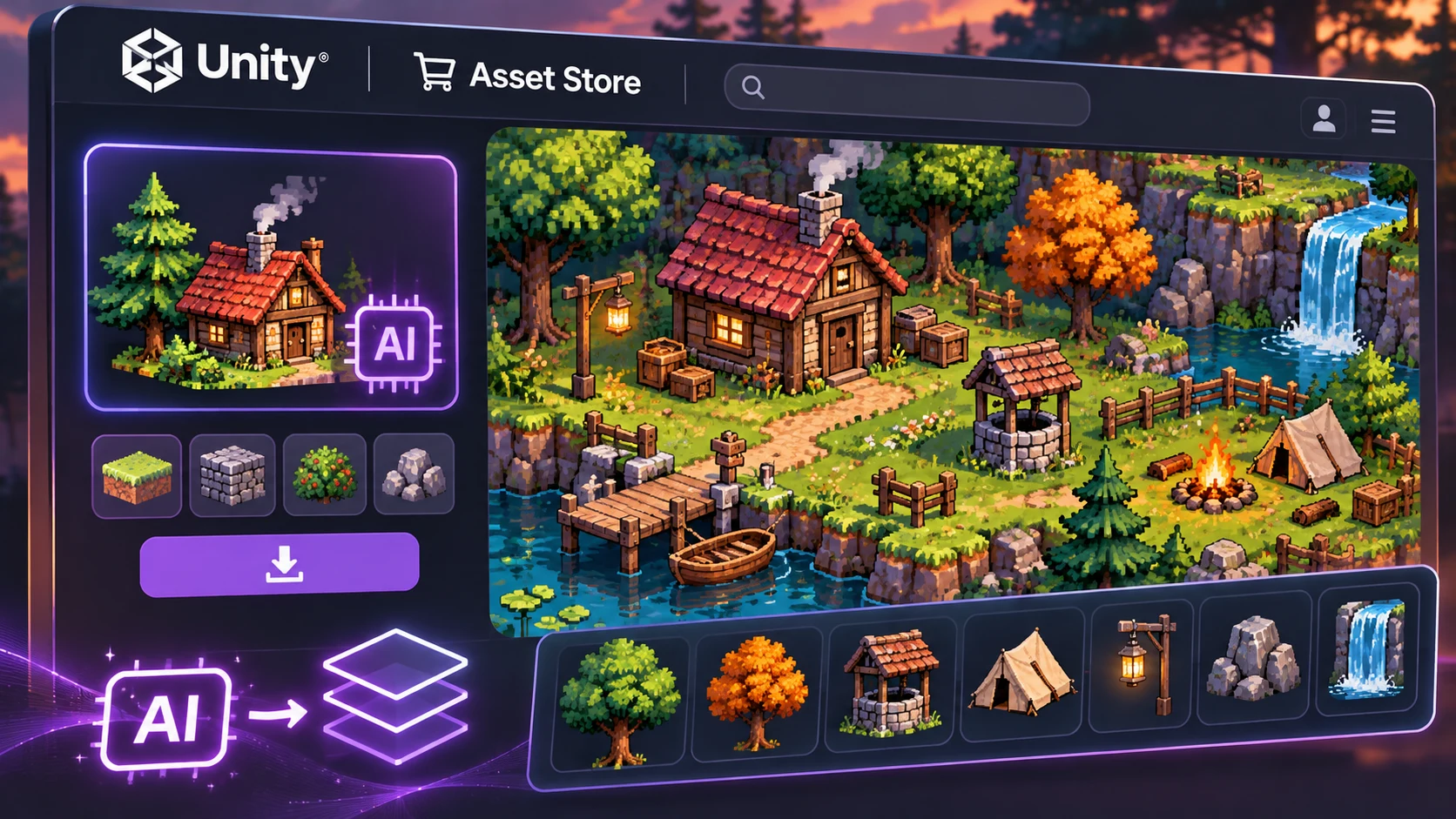
A new Unity Asset Store listing dated November 5, 2026, offers Goblin Pixel Curiosities, a two-dimensional environment-art package from the publisher Goblin-mol. The store categorizes it as 2D environment content, with keywords related to museum scenes, decorative objects, natural history, interior props and pixel art. Its listing also includes a Created with AI disclosure area, making the product relevant to a growing discussion about how AI-assisted assets should be described and evaluated.
The publication is a third-party marketplace release, not an official Unity feature or endorsement of a particular generative workflow. The store identifies version 1.0.0 and lists Unity 6000.6.4f1 with URP compatibility, while showing the Built-in Render Pipeline and HDRP as not compatible in its table. Developers should check the package's actual contents and any later compatibility revisions rather than assuming that 2D graphics are automatically pipeline-independent.
The AI disclosure is significant because provenance can affect how teams make art decisions. An asset being partly or entirely assisted by AI does not establish whether it is attractive, editable, legally suitable, or technically optimized. Those questions require their own evidence. A small game team might care more about consistent pixel dimensions, clean alpha channels, coherent color palettes, and licensing clarity than about the tool used during production.
The product provides an opportunity to develop a repeatable review process for incoming assets. First, inspect the publisher's description of AI involvement and any applicable license. Then open the actual images in a graphics editor and check for unexpected pixel blending, inconsistent lighting, stray transparency, or objects whose perspective clashes with the rest of the game. Test the art at the intended in-game scale with the actual texture filtering settings. An attractive enlarged screenshot can conceal problems that appear when assets are displayed in motion.
A simple test scene might contain a room with a handful of objects from the pack, plus one object already used in the project. Compare scale, edge crispness, palette consistency, sorting layers, and draw calls. Keep the original files unchanged while creating any edited variants, and record which parts of the pack are used in the finished game. If content is generated or modified by another service, document that stage separately.
The date and package metadata are verifiable from Unity's marketplace. They are not an independent artistic review, nor do they establish the precise method used to create every individual sprite. Developers considering publication should inspect the full disclosure, licensing terms, and source materials directly.
Rate this story
What did you think of this article?
Log in to rate this story, comment and like replies.
Log inNo comments yet. Be the first to share your thoughts.
More stories
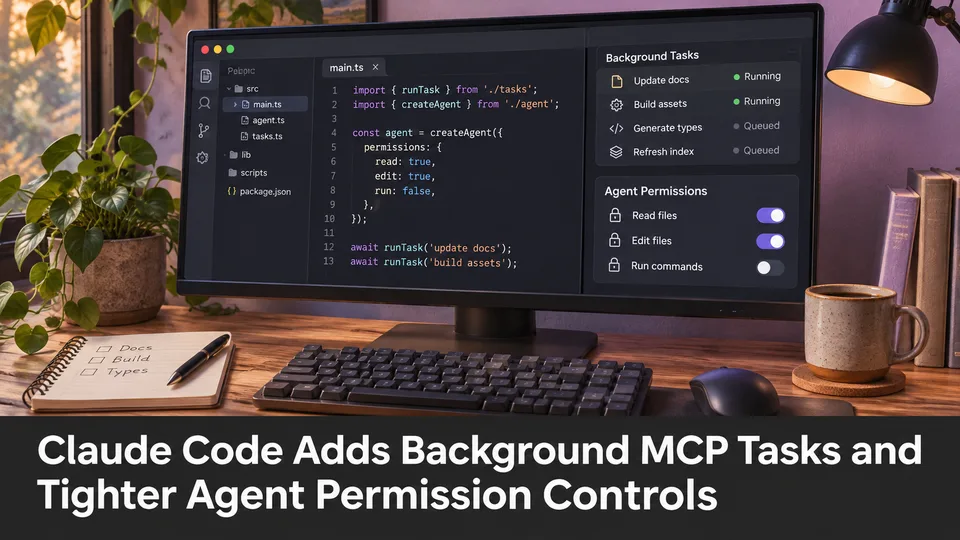
Claude Code Adds Background MCP Tasks and Tighter Agent Permission Controls
Anthropic’s Claude Code 2.1.319 introduced asynchronous MCP tasks and new permission controls. These features may help game developers manage long-running Unreal or Unity tool operations without blocking every agent step.
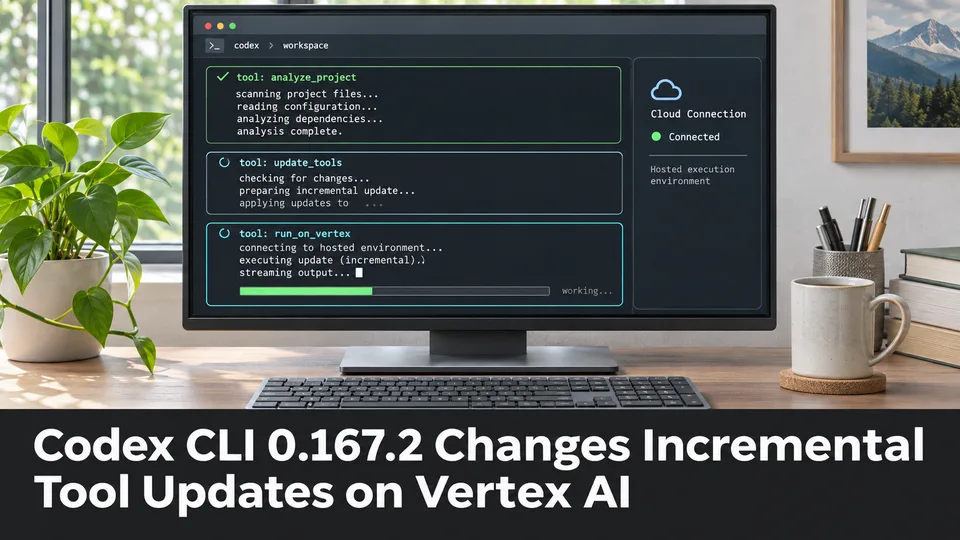
Codex CLI 0.167.2 Changes Incremental Tool Updates on Vertex AI
OpenAI released Codex CLI 0.167.2 with incremental tool updates enabled by default for Google Cloud Vertex AI. The change is relevant to teams using that backend, but it is not a general Unreal or Unity agent feature.
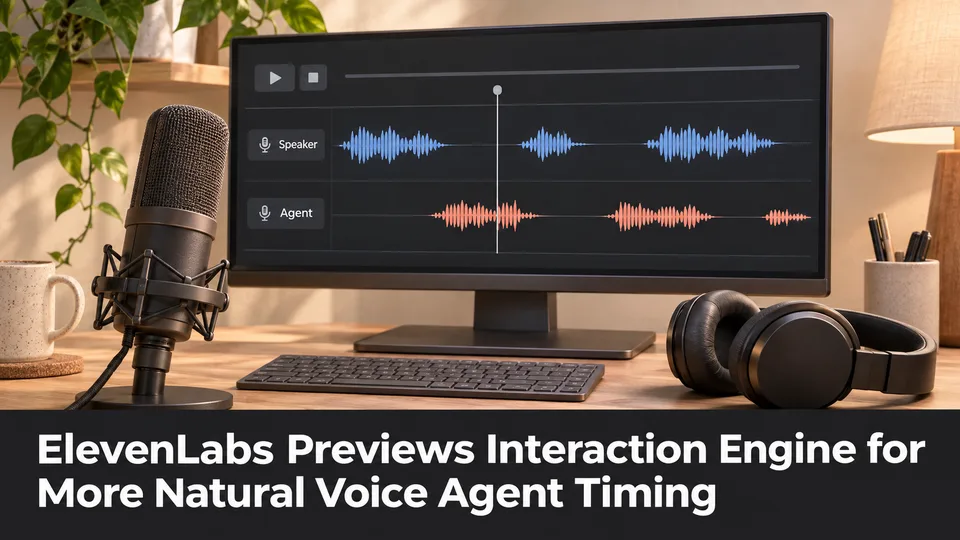
ElevenLabs Previews Interaction Engine for More Natural Voice Agent Timing
At its New York summit, ElevenLabs previewed an Interaction Engine that manages turn-taking, interruptions and model selection in conversations. Real-time game NPC use remains a proposed application, not a shipped game integration.
Comments