
UE5.9 Preview Restores Experimental Browser Builds with WebGPU and Wasm
Unreal Engine 5.9 MegaJam Preview includes an experimental way to compile C++ projects for browsers using WebAssembly and WebGPU. The new route is distinct from cloud streaming, and substantial rendering and packaging limits remain.
Updated
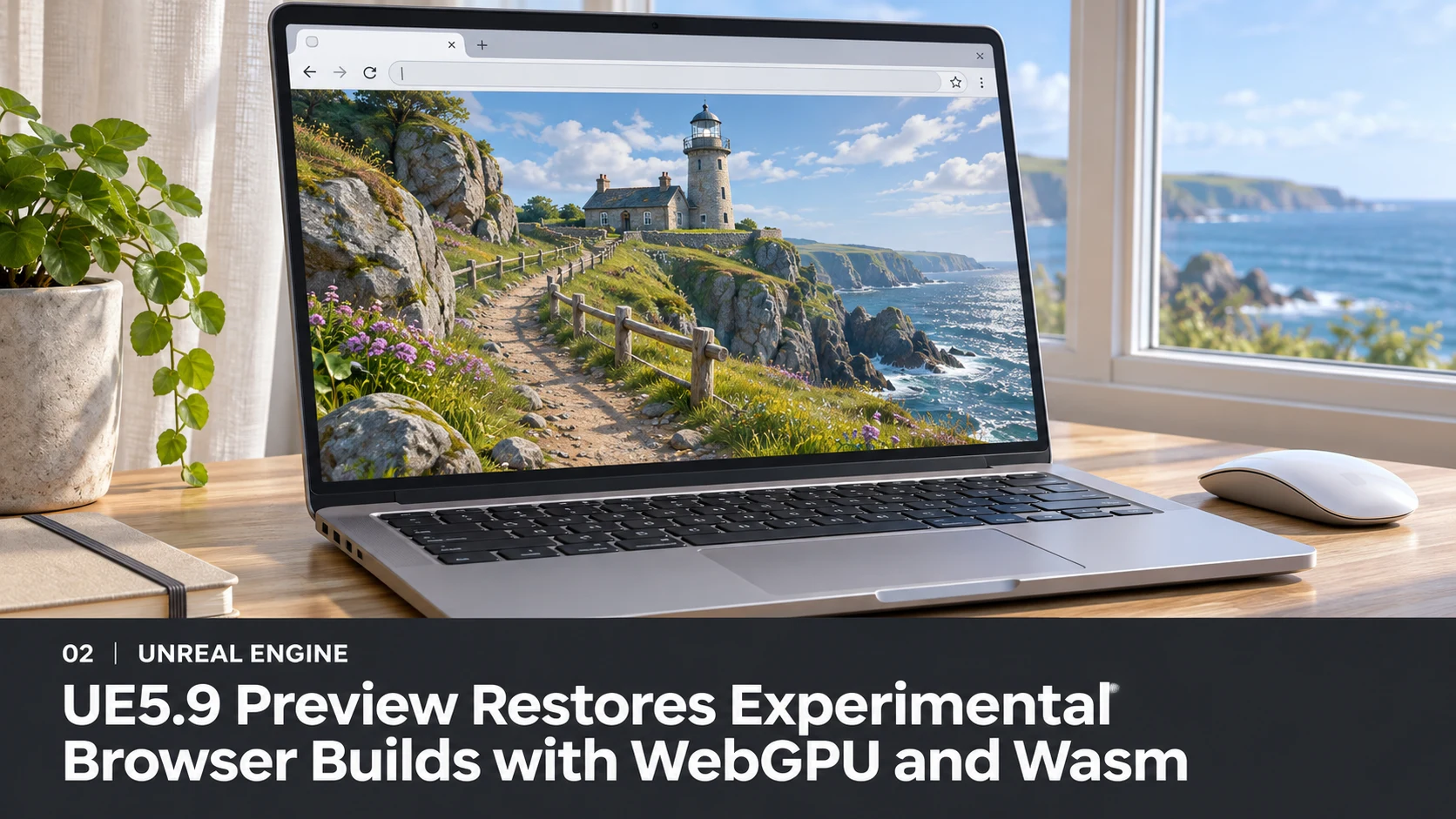
Unreal Engine projects can once again be tested as browser-native builds under a new experimental target in the 5.9 MegaJam Preview. Epic's November 9 announcement describes a WebAssembly runtime with WebGPU graphics, enabling a project to execute on the user's device instead of receiving a streamed video feed from a remote game server. For developers evaluating web distribution, that distinction matters.
The target appears in the Unreal Editor alongside other platform options. Epic describes desktop and mobile renderer configurations, with mouse, keyboard, gamepad and touch input support. The experimental desktop path uses a mobile-deferred rendering approach; mobile browsers use mobile-forward rendering. A full desktop-deferred implementation is still under investigation. Windows, macOS and Linux can be used for development, although packaging details differ.
This is not a one-click route for existing Blueprint-only projects. Epic says the current implementation supports code-based projects, and the announcement specifically warns that C++ projects and source builds are required for the experimental workflow. Chrome is identified as offering the best experience at this stage. WebGPU support also does not imply that a browser will reproduce the lighting quality and feature set of a high-end DirectX 12 desktop build.
The published known-issues list is unusually important reading. Epic documents a browser crash above a 2 GB WebAssembly memory threshold, potential problems on some mobile devices, limitations in texture formats, unsupported Bink playback and build-hosting complications. It also describes a save-data problem and packaging workarounds. These are reported preview limitations, not a claim that every user's project will experience each failure.
A practical test should begin with a tiny, source-controlled C++ scene containing one simple level, UI input and a gamepad action. Package the build, host it over a proper local web server rather than opening the generated HTML file directly, and measure startup time, download size, memory consumption and frame rate in Chrome. Add more features only after that baseline is stable.
Browser-native Unreal and cloud gaming solve different deployment problems. A native web build transfers executable content to the client browser and uses the client's hardware; cloud streaming runs the full game remotely and transmits compressed frames. Teams should evaluate both against the specific game rather than treating the arrival of WebGPU as a universal replacement for remote GPUs.
Rate this story
What did you think of this article?
Log in to rate this story, comment and like replies.
Log inNo comments yet. Be the first to share your thoughts.
More stories
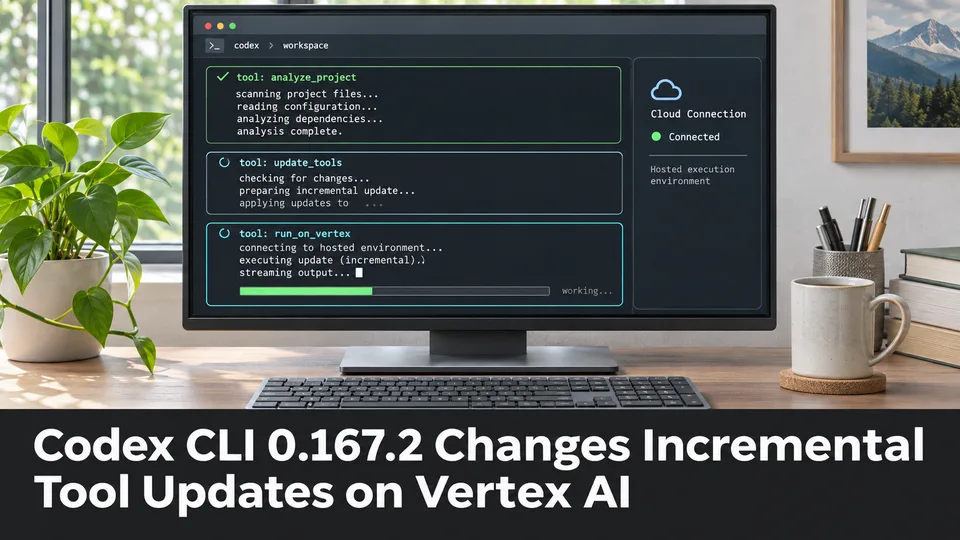
Codex CLI 0.167.2 Changes Incremental Tool Updates on Vertex AI
OpenAI released Codex CLI 0.167.2 with incremental tool updates enabled by default for Google Cloud Vertex AI. The change is relevant to teams using that backend, but it is not a general Unreal or Unity agent feature.
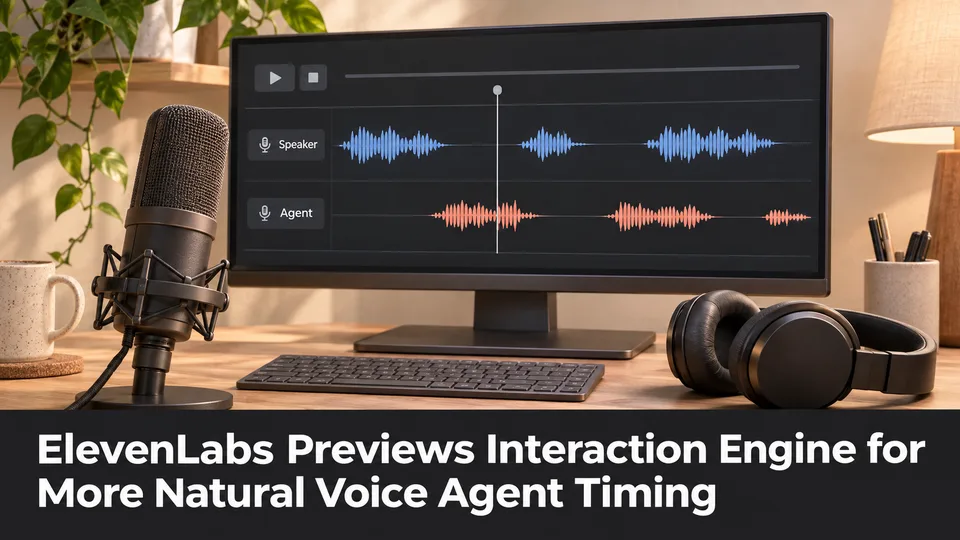
ElevenLabs Previews Interaction Engine for More Natural Voice Agent Timing
At its New York summit, ElevenLabs previewed an Interaction Engine that manages turn-taking, interruptions and model selection in conversations. Real-time game NPC use remains a proposed application, not a shipped game integration.
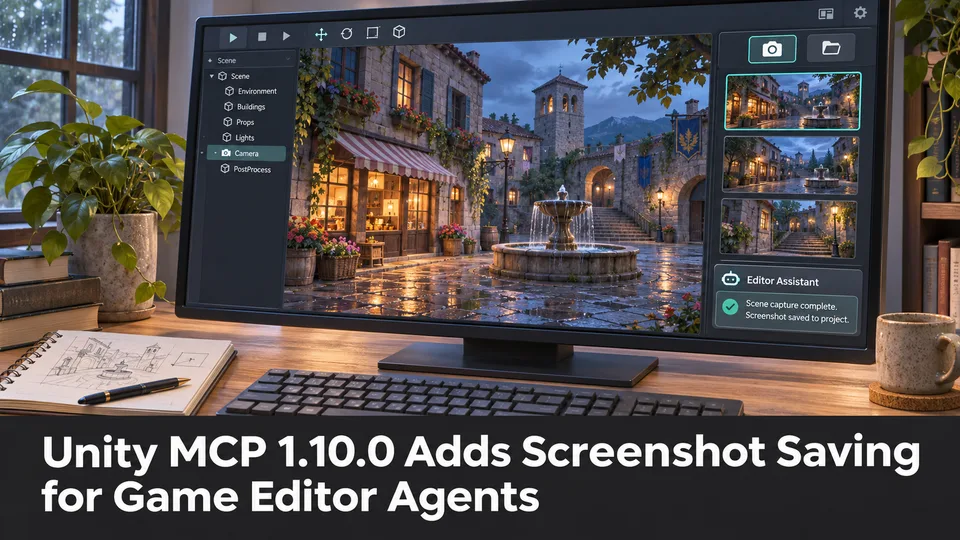
Unity MCP 1.10.0 Adds Screenshot Saving for Game Editor Agents
A community-maintained Unity MCP bridge has released version 1.10.0, adding an option for screenshot tools to save PNGs inside a project. The feature can support reviewable visual feedback when AI agents work on scenes.
Comments