
New Developer Guide Maps Unity Concepts to Unreal Engine 5
A November 7 community guide explains how familiar Unity structures translate into Unreal Engine concepts, including Actors, Blueprints, data assets, gameplay classes, input and collision.
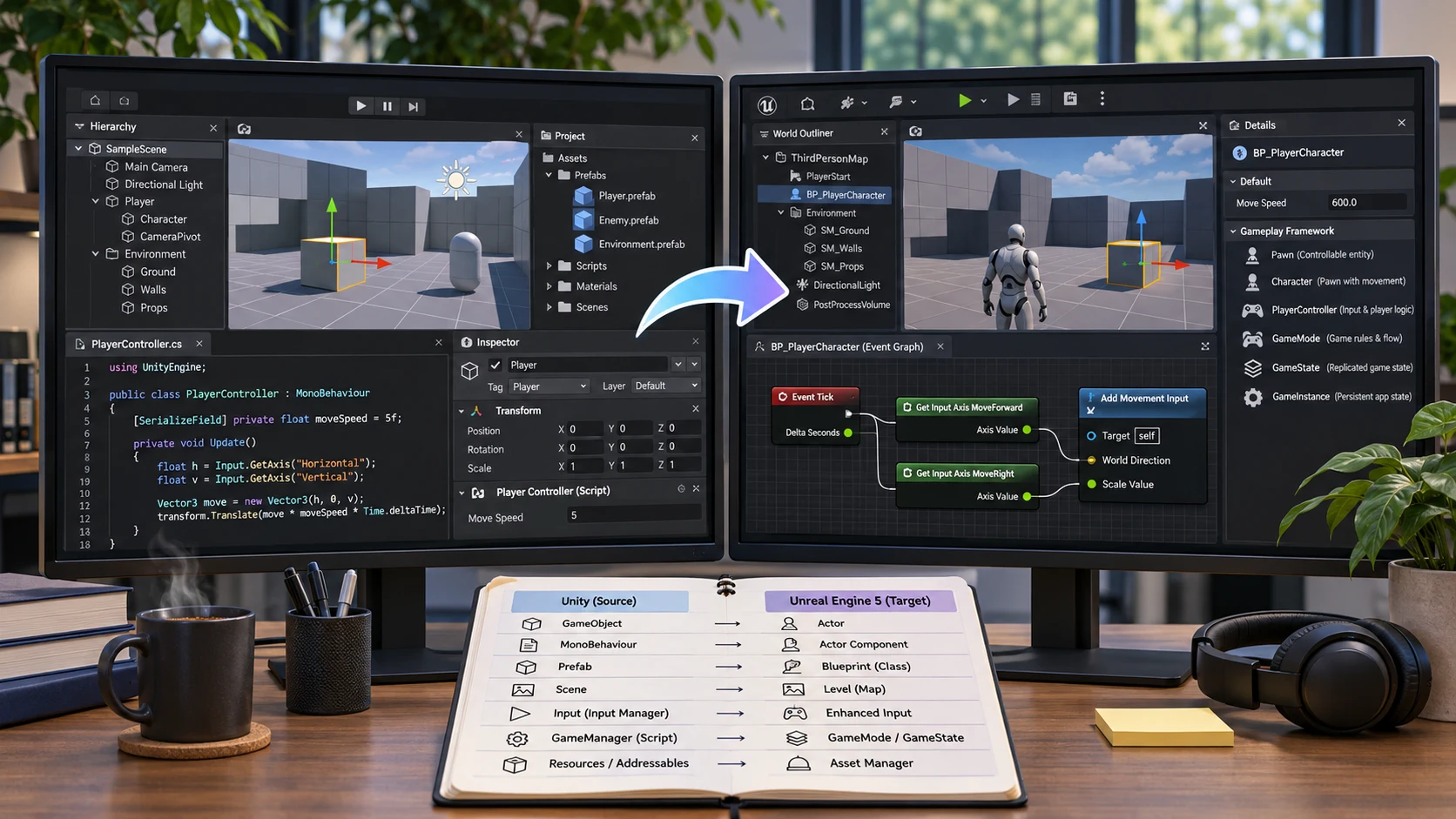
Developers moving from Unity to Unreal Engine often encounter familiar programming tasks arranged in unfamiliar places. A newly published guide on the Epic Developer Community, dated November 7, tackles that gap with a concept-by-concept introduction to Unreal Engine 5 for Unity developers.
The guide is associated with Epic for Indies and is presented as a Russian-language video resource with translated community pages. This is not an Unreal Engine update and should not be described as an official migration tool. Its value is in explaining the organizational decisions behind Unreal's systems rather than pretending that every Unity feature has a direct one-line replacement.
Several comparisons provide a starting point. Unity's GameObjects and prefabs lead developers toward Unreal Actors and Blueprint classes, but the underlying models are not identical. Unity's ScriptableObjects can suggest Unreal data assets or data tables, depending on how the information is used. Initialization and per-frame logic must be reconsidered across constructors, BeginPlay and Tick, while Unity's centralized manager patterns may map into the Unreal Gameplay Framework or subsystems.
The guide also addresses practical programming differences. C# concepts do not translate mechanically into C++; Unreal uses types such as FString, FName and FText for distinct purposes, and the engine's object lifetime rules matter. Input handling, collision channels, line traces, overlap events and version-control considerations all become part of a successful transition.
A particularly helpful learning exercise would be to build the same small mechanic in both engines: a collectible coin that increments a score and updates a UI label. Record where the reusable object lives, which system owns the score, how collision triggers the event and how the widget gets its data. Then try adding a second player or loading a new level. That reveals architectural differences that syntax comparisons alone often miss.
The new guide is therefore a learning resource rather than proof of feature parity. It offers a structured way to avoid carrying Unity habits into Unreal without first understanding Unreal's native Gameplay Framework.
Rate this story
What did you think of this article?
Log in to rate this story, comment and like replies.
Log inNo comments yet. Be the first to share your thoughts.
More stories
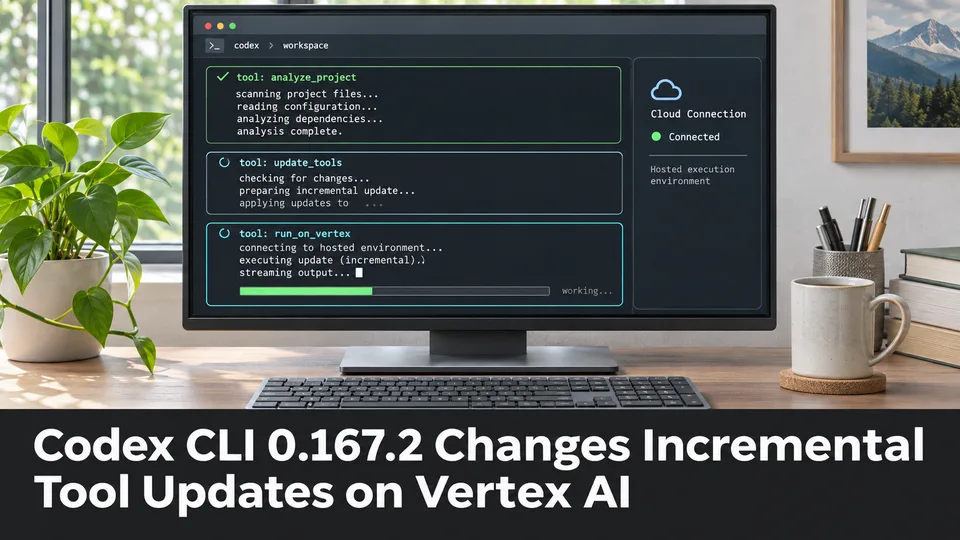
Codex CLI 0.167.2 Changes Incremental Tool Updates on Vertex AI
OpenAI released Codex CLI 0.167.2 with incremental tool updates enabled by default for Google Cloud Vertex AI. The change is relevant to teams using that backend, but it is not a general Unreal or Unity agent feature.
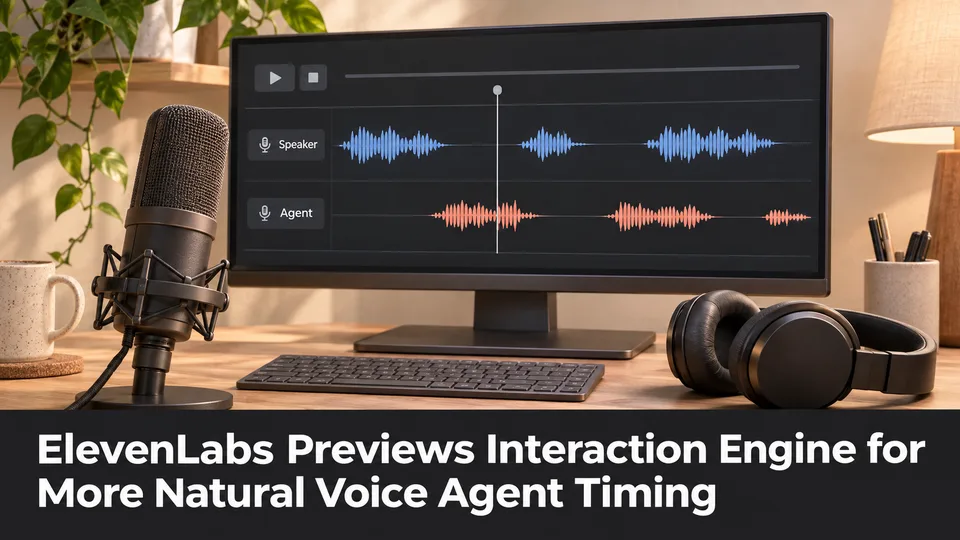
ElevenLabs Previews Interaction Engine for More Natural Voice Agent Timing
At its New York summit, ElevenLabs previewed an Interaction Engine that manages turn-taking, interruptions and model selection in conversations. Real-time game NPC use remains a proposed application, not a shipped game integration.
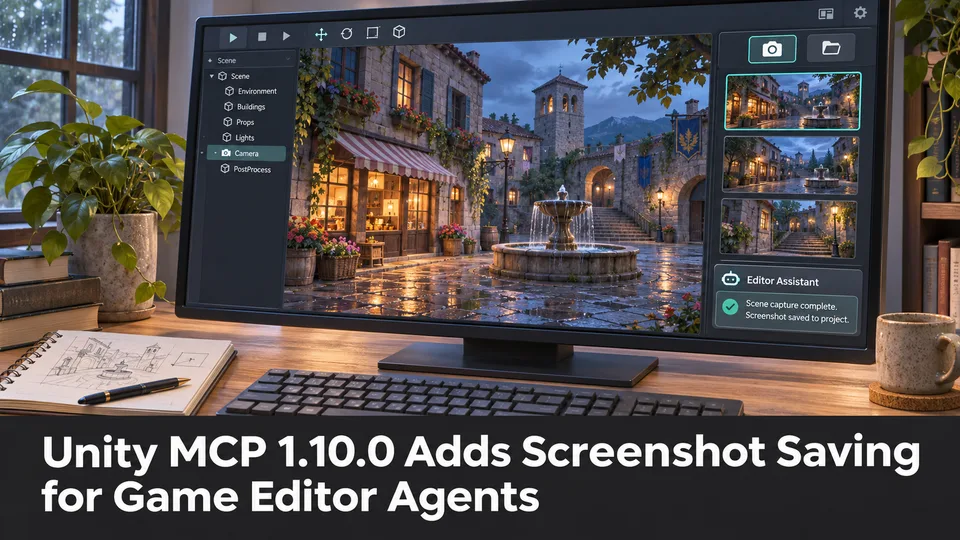
Unity MCP 1.10.0 Adds Screenshot Saving for Game Editor Agents
A community-maintained Unity MCP bridge has released version 1.10.0, adding an option for screenshot tools to save PNGs inside a project. The feature can support reviewable visual feedback when AI agents work on scenes.
Comments