
Krea2 Spatial Composition 3x3 Joins the ComfyUI Manager Catalog
A third-party ComfyUI composition node was added to Manager's catalog on November 8. It uses a nine-region visual editor to build structured prompts and optional layout guides.
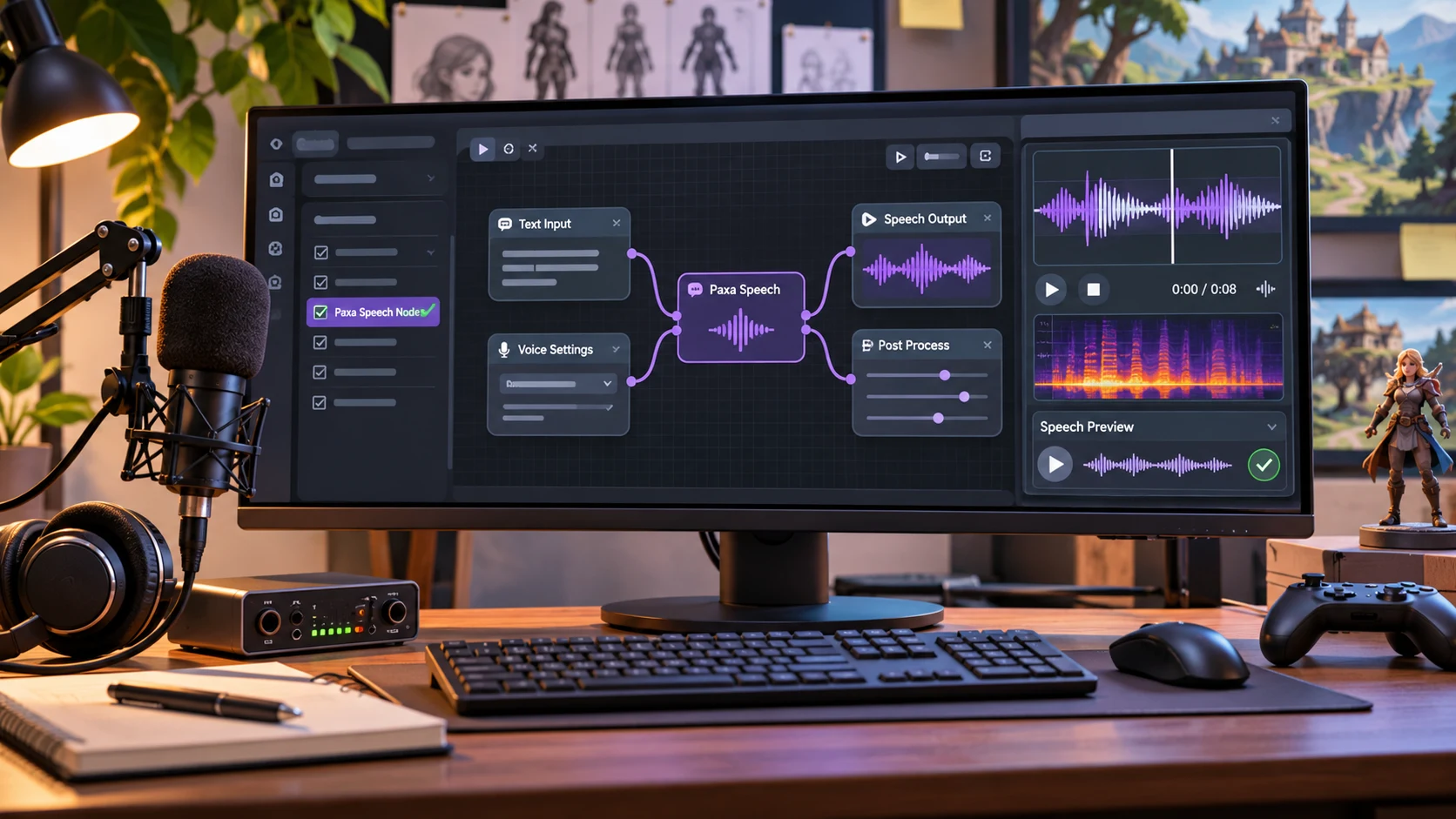
ComfyUI users gained a new catalog entry on November 8 when a pull request added Krea2 Spatial Composition 3x3 to the ComfyUI Manager custom-node list. The extension is maintained by an independent developer and is intended to make spatial arrangements easier to express in image-generation prompts.
The node uses a three-by-three grid. Users can describe content for different parts of the image, move focal markers and adjust the boundaries between regions in a visual editor. The extension produces composed prompt text and can provide an optional layout-guide image. Its author explicitly notes that it does not generate masks or model conditioning by itself. It is therefore a prompt-construction tool, not a new image-generation model.
Although it was designed around Krea 2 portrait workflows, the output is ordinary text. The developer says it can be tried with other text-to-image systems that understand positional language. This is a useful distinction because the quality of the final image still depends on the chosen model, the overall prompt and whether spatial descriptions are interpreted correctly.
For game art production, the tool could support consistent concept-image layouts. An environment artist might specify a horizon in the top row, a prominent building to the right and a path entering from the foreground. A UI artist might use it to explore placements for character art, empty text areas and background elements on a menu illustration. Neither application guarantees pixel-accurate control; exported images still need review.
A practical experiment would create three prompts for the same game location. One would use free-form prose, the second a structured nine-region description and the third the same description with an optional guide. Compare whether each preserves composition across several random seeds. Keep a record of the original output rather than selecting only the best image from each method.
The project repository describes installation through ComfyUI Manager or comfy-cli and includes an example workflow with optional additional nodes. Those example dependencies are not necessarily required by the composition node itself. The November 8 event is a catalog integration for a community extension, not a core ComfyUI or Krea model announcement.
Rate this story
What did you think of this article?
Log in to rate this story, comment and like replies.
Log inNo comments yet. Be the first to share your thoughts.
More stories
Claude Code Adds Background MCP Tasks and Tighter Agent Permission Controls
Anthropic’s Claude Code 2.1.319 introduced asynchronous MCP tasks and new permission controls. These features may help game developers manage long-running Unreal or Unity tool operations without blocking every agent step.
Codex CLI 0.167.2 Changes Incremental Tool Updates on Vertex AI
OpenAI released Codex CLI 0.167.2 with incremental tool updates enabled by default for Google Cloud Vertex AI. The change is relevant to teams using that backend, but it is not a general Unreal or Unity agent feature.
ElevenLabs Previews Interaction Engine for More Natural Voice Agent Timing
At its New York summit, ElevenLabs previewed an Interaction Engine that manages turn-taking, interruptions and model selection in conversations. Real-time game NPC use remains a proposed application, not a shipped game integration.
Comments