
Free Advanced Outline Shader Updated on Unity Asset Store
Advanced Outline Shader version 1.1.0 is listed as a free Unity Asset Store download dated November 4. Its listing indicates Built-in and URP compatibility, but not HDRP support, making pipeline validation essential.
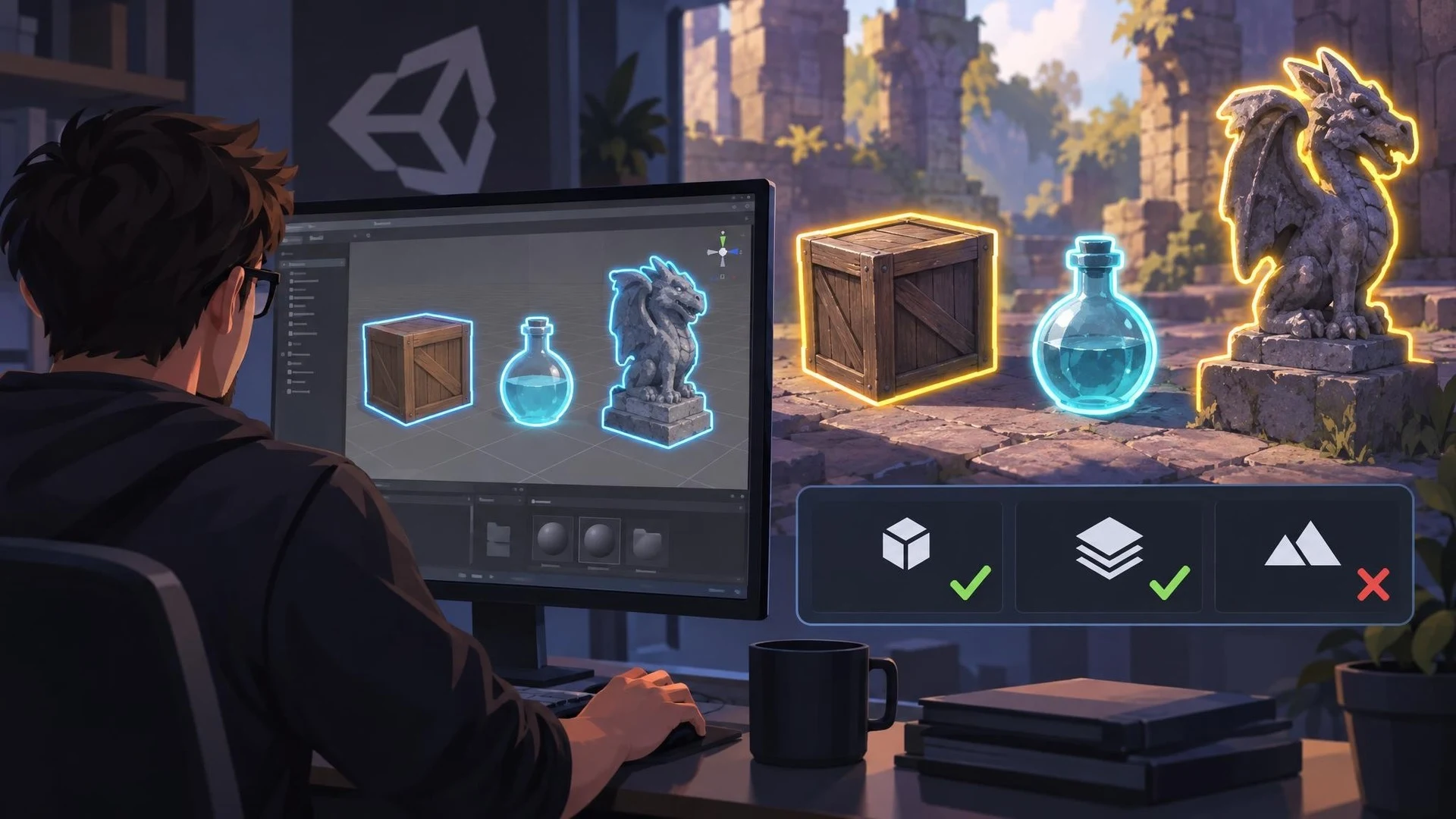
Selection outlines are a small visual feature with a large usability impact. They can help players identify a usable object, distinguish a target or understand what their cursor is pointing at. An updated free Unity Asset Store package, Advanced Outline Shader, may provide a starting point for implementing that style of feedback.
The package's Asset Store listing identifies version 1.1.0 and shows November 4, 2026 as the latest release date. It is published by IK IT'S KIRU and categorized as a visual-effects shader. The listing indicates compatibility with the Built-in Render Pipeline and the Universal Render Pipeline for the displayed original Unity version, while marking HDRP incompatible. That is more useful information than assuming a shader works across every renderer.
The page describes the package through outline and selection-related keywords, including highlight, edge detection and stencil outline. However, the accessible listing does not expose a detailed changelog explaining exactly what changed between earlier versions and 1.1.0. It would therefore be misleading to claim that a particular rendering feature was newly added in this update.
For a game designer, the first question is how the effect supports interaction. A bright edge around an item could communicate that it can be picked up, while a subtle border could distinguish the currently selected inventory object. The visual treatment should remain understandable in dark scenes, bright environments and on small screens.
Different outline implementations have different costs and visual limitations. Screen-space methods, object materials and stencil techniques can behave differently with transparent objects, overlapping silhouettes or unusual camera settings. A package listing alone cannot establish which implementation is fastest or how it interacts with every post-processing effect.
A useful evaluation would import the asset into a disposable URP project. Build a scene with three objects: one opaque prop, one partly transparent object and one mesh with a complex silhouette. Toggle the selection effect during play and compare the result from near and far camera positions. Record draw calls, frame-time and any edge artifacts.
Also verify behavior in a standalone build rather than relying only on Scene view. A shader that looks correct in the Editor may encounter variant stripping or platform differences when packaged. Confirm the Unity version, license terms and any dependencies from the actual store listing before production use.
This is a third-party asset update, not an official addition to Unity's renderer. Its value lies in offering a free starting point for an interaction cue, provided the developer checks compatibility and measures the effect on the target hardware.
Rate this story
What did you think of this article?
Log in to rate this story, comment and like replies.
Log inNo comments yet. Be the first to share your thoughts.
More stories
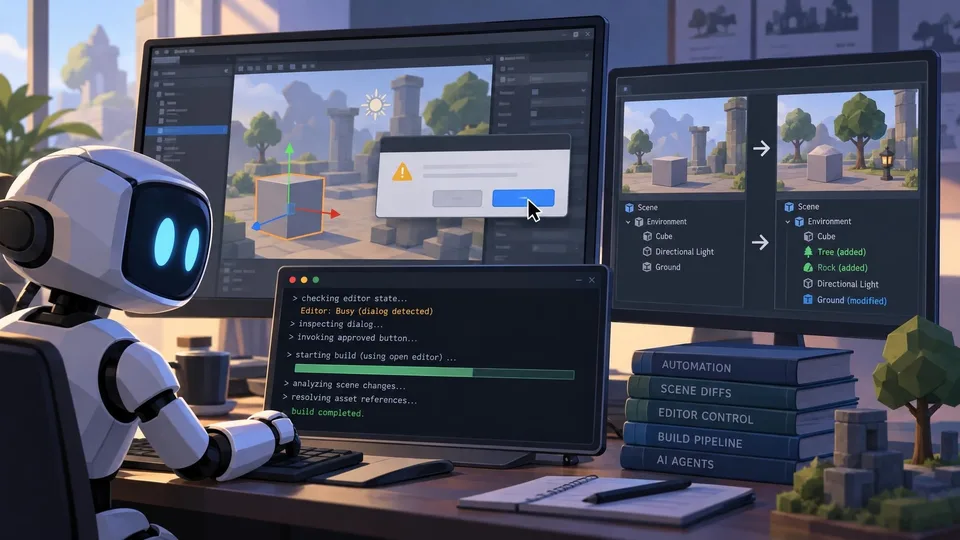
Unity CLI Beta 16 Adds Editor Dialog Control and Object-Level Scene Diffs
Unity CLI 1.0.0-beta.16 gives automation tools better visibility into blocked Editor dialogs and detailed scene changes. It also supports building through an open Editor and updating Unity-specific skills for coding agents.
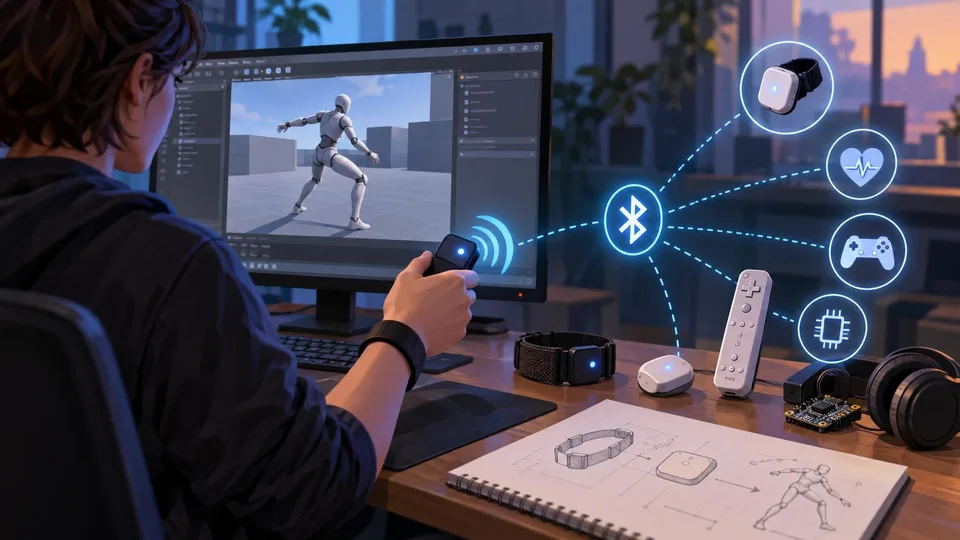
Basilisk Lab Introduces Bluetooth Framework for Unreal Engine on Fab
A new third-party C++ plugin on Fab promises Bluetooth Classic and BLE connectivity for Unreal projects, including peripheral discovery, GATT communication and experimental controller ideas. Its advertised features still need project-specific testing.
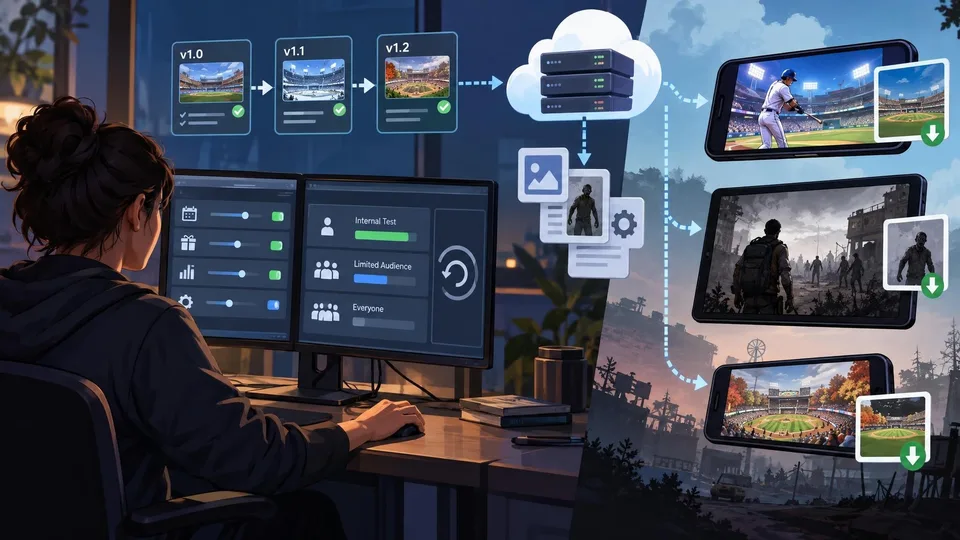
Unity Shares How Ares Interactive Updates Live Games Without Client Patches
A new Unity case study explains how Ares Interactive uses remote configuration, versioned content and staged deployment for live-service games. The practices offer a design reference, not a newly introduced engine feature.
Comments