
Epic Games Launcher Now Filters Fab Plugins by Unreal Engine Version
Epic Games Launcher 0.106.0 introduces version-aware Fab plugin search, helping Unreal developers identify compatible results more quickly. The October 29 update also addresses several launcher problems affecting Linux users and slower connections.
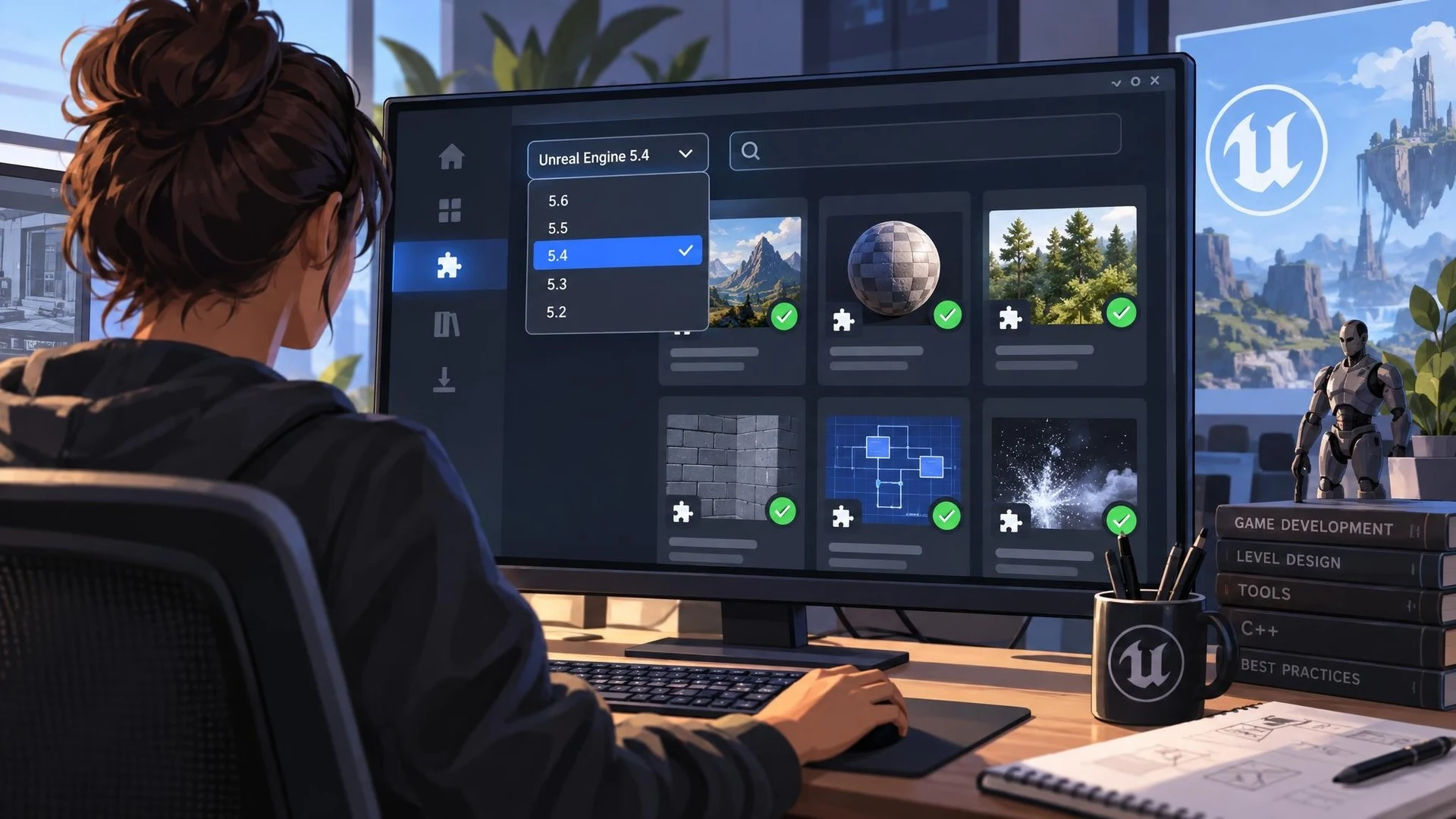
Choosing a plugin is often straightforward until an Unreal Engine project uses a version that the plugin does not support. Epic Games has introduced a small but practical change to that process in Epic Games Launcher 0.106.0, published on October 29, 2026. Opening Fab plugin search for a particular Unreal Engine version now filters the results to that version.
This matters because marketplace compatibility is a production requirement, not merely a shopping preference. A tool that works in an older editor may depend on APIs, build modules, or asset formats that changed in a newer release. Developers can still review a plugin's documentation and actual supported versions, but a better starting filter may reduce wasted investigation.
The release notes also list several launcher fixes. On Linux, a locked system keyring could previously prevent the launcher from starting or cause a sign-out. The update addresses that behavior and a problem with chat notification preferences. It also fixes cases where library, catalog, and cover images failed to load on slower networks. These are launcher-level improvements, not changes to Unreal Engine rendering or gameplay systems.
The new filtering behavior follows two recent launcher updates. Version 0.104.0, dated October 27, added a Plugins tab to Unreal Engine installation and module-management dialogs. Version 0.105.0, released October 28, enabled the launcher to open local Unreal Engine installations on Linux. Taken together, the changes suggest a continued effort to make plugin discovery and development-environment management more convenient.
For a practical check, a developer can open Fab search from a specific Unreal Engine installation and compare results against another installed version. The goal is to see whether the list helps identify suitable tools, then confirm compatibility on each candidate's product page. Filtering is not a substitute for testing a plugin in a clean copy of a project.
Teams using C++ plugins should still keep their engine branch, plugin version, and project dependencies documented. Before adopting a new package, consider a separate integration branch and a packaged-build test. A more useful search result can simplify the first step, while a controlled installation process protects the project from unexpected compatibility issues.
Epic has not presented this update as an Unreal Engine feature release. It is a maintenance and workflow update to Epic Games Launcher, with its primary value found in the everyday work of finding and managing developer tools.
Rate this story
What did you think of this article?
Log in to rate this story, comment and like replies.
Log inNo comments yet. Be the first to share your thoughts.
More stories
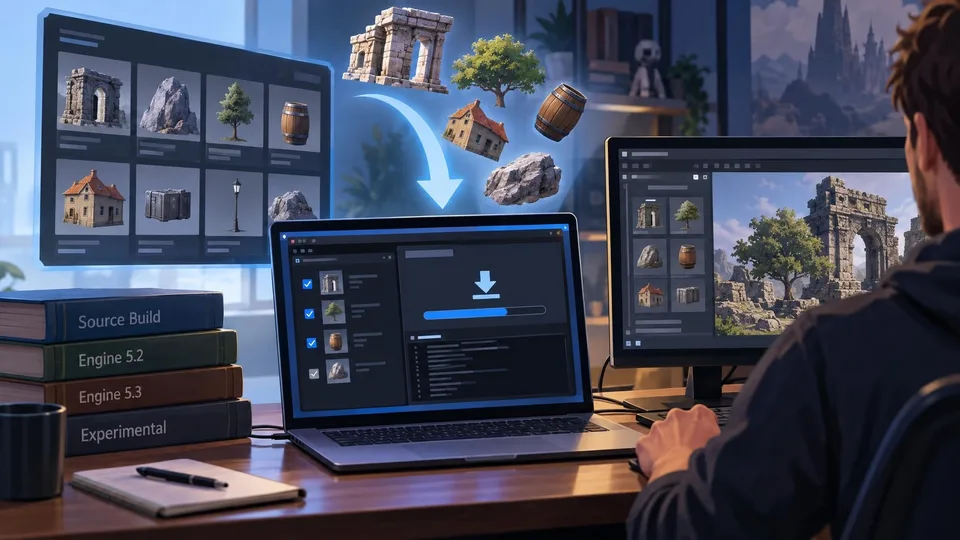
An Open-Source Fab Downloader Targets Custom Unreal Engine Workflows
A new community-built Fab Downloader offers another way to retrieve marketplace assets already owned by a developer. Its Windows and Linux tools avoid requiring an installed Launcher-managed Unreal Engine build, but rely on unofficial endpoints.

Epic Extends a Live Verse Virtual Machine Test for UEFN Islands
Epic started a temporary Verse virtual-machine test on October 29 across public and private UEFN sessions and later extended the window into October 30. The test is limited to Fortnite creation tools, not regular Unreal Engine projects.

Unity CLI Beta 15 Adds Project Audits and Long-Running MCP Jobs
Unity CLI 1.0.0-beta.15 introduces project auditing, offline documentation access and MCP job controls aimed at automated workflows. The October 29 release also changes command output and removes some earlier commands, requiring script updates.
Comments