
ElevenLabs Releases SFX v3 for More Controlled Game Sound Prototyping
ElevenLabs SFX v3 is now available through its sound-effects product and API. The developer reports better multi-part prompt adherence and adds a looping option that may be useful for game ambience.
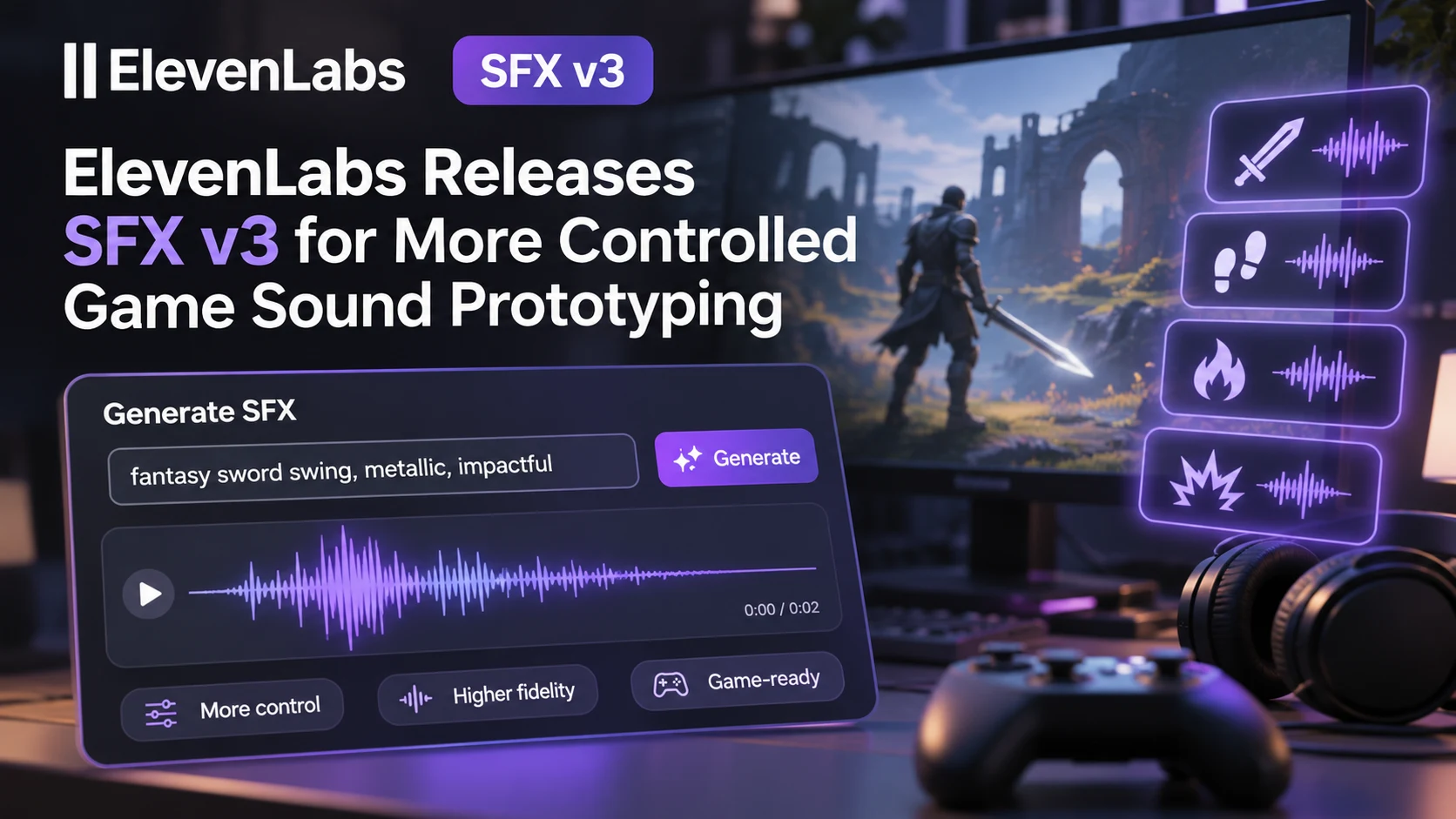
ElevenLabs announced SFX v3 on November 2, introducing a new model for generating sound effects from written descriptions. The provider identifies eleven_text_to_sound_v3 as the API model identifier and says it is available across its workspaces. The changelog reports better handling of prompts with several instructions, improved results involving music or vocals, and fewer clipping problems on certain high-frequency sounds compared with its previous version. These are vendor-reported improvements, not results from an independent game audio benchmark.
Sound generation is relevant to game developers because interactive scenes often need many variations that are expensive to record individually. A workshop might require a motor startup, an irregular idle loop, metallic tools, warning beeps and a shutdown effect. A coastal scene could need waves, wind through cables and different room tones. AI sound generation can help prototype these layers before a team invests in field recording or detailed sound design.
One technical addition is an API looping option, which the vendor says can generate smoothly looping output. That could be useful for continuous ambience such as ventilation, distant traffic or machinery. However, a file described as looping should still be checked for audible transitions under the game's own mixer, spatialization, compression and playback rate. A convincing single clip may also become repetitive when heard every few seconds during a long play session.
The provider has set a concrete migration deadline: the preceding SFX v2 model is deprecated, with removal scheduled for March 1, 2027. Teams using the older API should plan a compatibility test instead of assuming the new model produces exactly the same type or loudness of content. Existing prompt libraries may need adjustments, and any generated audio already shipped in a game should be managed according to the project's licensing and asset records.
A practical test could request five short variations of a boat engine starting, plus a continuous low mechanical hum. Compare the files by listening on headphones and speakers, then place them inside Unreal MetaSounds or Unity's audio mixer. Check length, noise, loop seams, loudness, spatial response and whether variants are genuinely useful. Keep human review in the workflow, and verify the applicable commercial-use terms before shipping. The update makes sound prototyping more flexible; it does not automatically replace the implementation and quality control needed for interactive game audio.
Rate this story
What did you think of this article?
Log in to rate this story, comment and like replies.
Log inNo comments yet. Be the first to share your thoughts.
More stories
Claude Code Adds Background MCP Tasks and Tighter Agent Permission Controls
Anthropic’s Claude Code 2.1.319 introduced asynchronous MCP tasks and new permission controls. These features may help game developers manage long-running Unreal or Unity tool operations without blocking every agent step.
Codex CLI 0.167.2 Changes Incremental Tool Updates on Vertex AI
OpenAI released Codex CLI 0.167.2 with incremental tool updates enabled by default for Google Cloud Vertex AI. The change is relevant to teams using that backend, but it is not a general Unreal or Unity agent feature.
ElevenLabs Previews Interaction Engine for More Natural Voice Agent Timing
At its New York summit, ElevenLabs previewed an Interaction Engine that manages turn-taking, interruptions and model selection in conversations. Real-time game NPC use remains a proposed application, not a shipped game integration.
Comments