
COZY 4 ReSound Adds an Adaptive Soundtrack Module to Unity Weather Workflows
The COZY 4 ReSound adaptive soundtrack module lists version 2.0 on November 6. This separate audio add-on extends the COZY weather ecosystem rather than updating Unity itself.
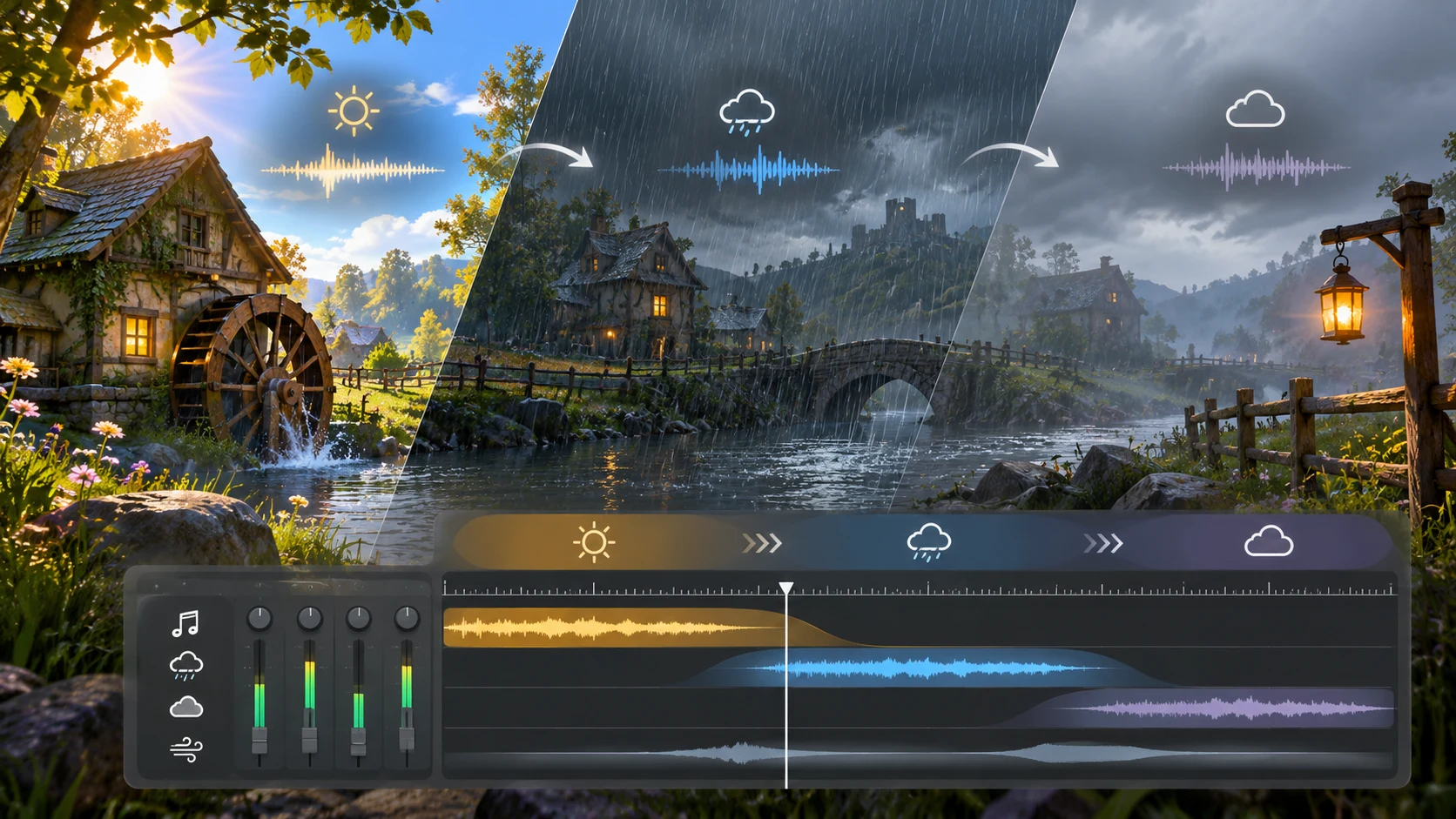
A new Asset Store listing for COZY 4: ReSound - Adaptive Soundtrack Module highlights another way to connect atmosphere and audio in Unity projects. The Distant Lands package lists version 2.0 and a November 6, 2026 release date. It is a separate add-on to the COZY ecosystem, not a new version of the Unity engine or a replacement for Unity's built-in audio system.
ReSound is presented as an adaptive soundtrack module. That phrase points to music designed to respond to game state or environmental conditions rather than simply playing one fixed track on repeat. For example, a quiet exploration scene might transition between musical moods as the weather changes or the player moves through different situations. The exact behaviors and exposed controls depend on the package implementation, so teams should inspect the included documentation before designing gameplay around them.
The store shows a dependency on COZY: Stylized Weather 4. It also marks the product compatible with URP for the specified Unity 6000.5.5f1 baseline, while Built-in and HDRP are not marked compatible. These details matter when evaluating a purchase: an add-on that depends on a larger weather system has a different integration cost from a standalone music manager.
Adaptive music systems also raise questions about composition and asset rights. A developer still needs music that can transition coherently, appropriate licenses for the audio material and mixing rules that prevent a soundtrack from fighting dialogue or important sound effects. A module can coordinate playback, but it cannot automatically solve artistic direction.
A sensible experiment would use one small scene with two weather states and two contrasting music layers. Configure a gentle transition from clear weather to rain, then repeatedly trigger the change while moving the player and playing short UI or dialogue sounds. Listen for abrupt cuts, overlapping loudness and changes that happen too frequently. Check the same scene in a built player because editor playback is not always representative.
For environment-driven games, the listing offers a specific piece of tooling to explore. The key context is that ReSound is a separate third-party audio module associated with COZY weather products, not a freshly introduced core Unity audio feature.
Rate this story
What did you think of this article?
Log in to rate this story, comment and like replies.
Log inNo comments yet. Be the first to share your thoughts.
More stories
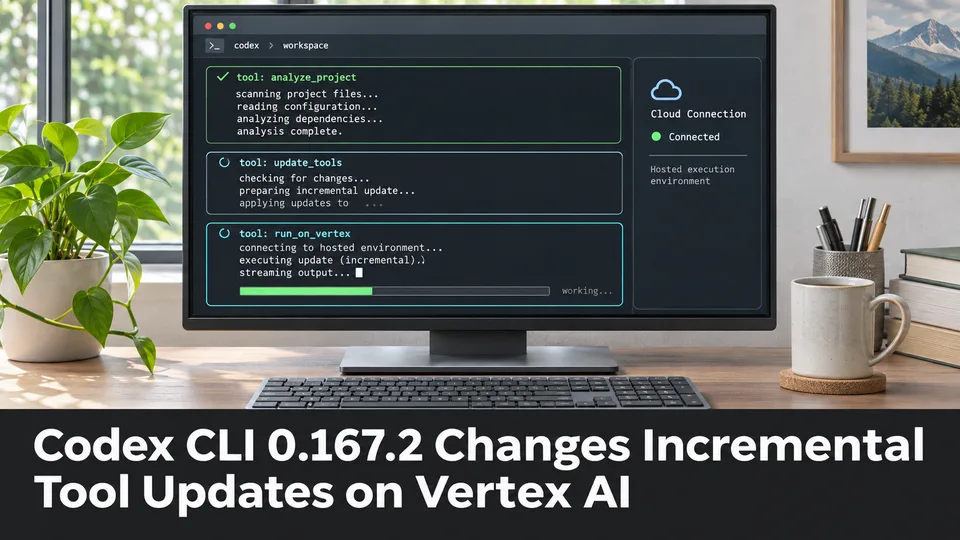
Codex CLI 0.167.2 Changes Incremental Tool Updates on Vertex AI
OpenAI released Codex CLI 0.167.2 with incremental tool updates enabled by default for Google Cloud Vertex AI. The change is relevant to teams using that backend, but it is not a general Unreal or Unity agent feature.
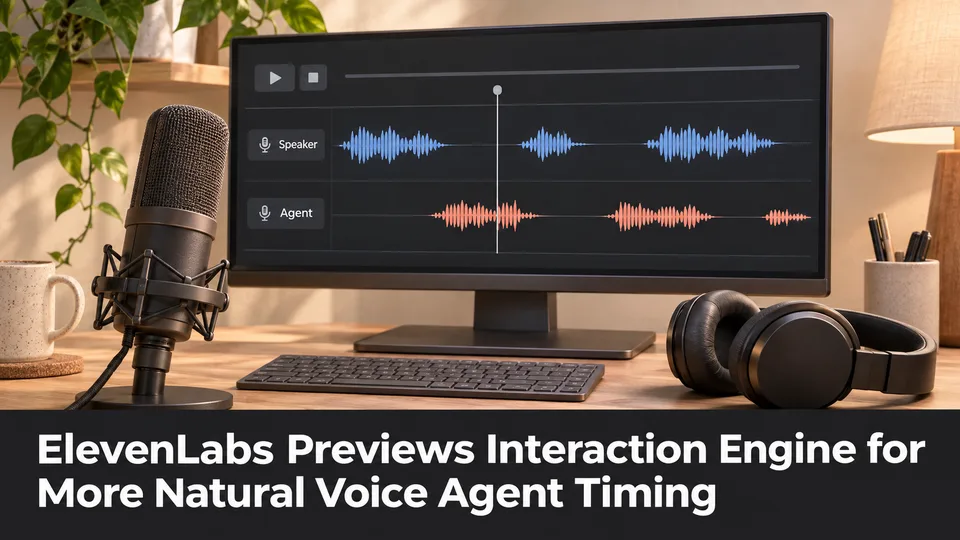
ElevenLabs Previews Interaction Engine for More Natural Voice Agent Timing
At its New York summit, ElevenLabs previewed an Interaction Engine that manages turn-taking, interruptions and model selection in conversations. Real-time game NPC use remains a proposed application, not a shipped game integration.

ElevenLabs Releases a Unity SDK for Live Voice Conversations With NPCs
ElevenLabs has published a Unity SDK connecting scene characters to conversational voice agents. The developer documentation distinguishes supported desktop and WebGL targets from beta mobile and XR integration.
Comments