
ComfyUI Subgraph Navigator Enters Manager Catalog for Complex AI Workflows
ComfyUI Manager accepted Subgraph Navigator on November 8. The third-party interface extension adds a map, searchable subgraph tree and pinned nodes to help navigate large generation workflows.
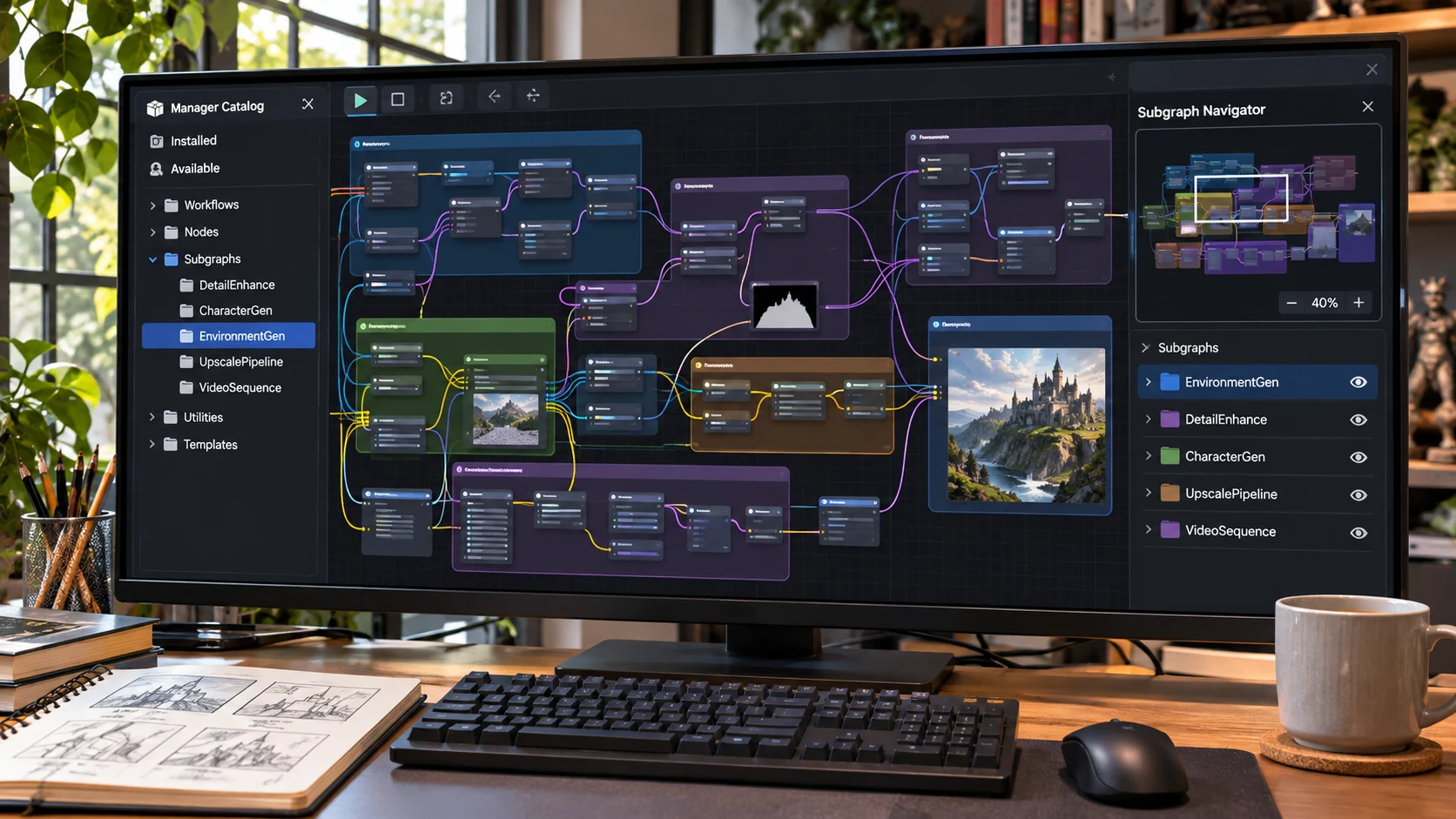
ComfyUI Manager added Subgraph Navigator to its custom-node catalog in a merge dated November 8. The community-created extension is not another image model or a newly introduced generation capability. Instead, it addresses a growing workflow problem: complex ComfyUI graphs can become difficult to navigate, particularly when they contain nested subgraphs.
According to the developer's repository, Subgraph Navigator adds a floating panel that displays the subgraphs in a workflow as a tree. It also includes a live map of the currently viewed graph, allowing users to jump directly to nodes or pan the canvas. Pinned nodes and navigation history provide quick access to frequently visited sections, while search can reach into nested graphs.
The author describes the extension as frontend-only. It does not add processing nodes to the generation graph and says it works with the classic canvas as well as Nodes 2.0. That scope helps readers understand what the tool does: it aims to improve organization and editing efficiency, not output quality, inference speed or model compatibility.
Game asset creators often build multi-stage generation pipelines. A single project might combine character concepts, inpainting, image enlargement, pose references and final export preparation. When those operations occupy different nested subgraphs, finding the correct control can become slower than adjusting it. A navigation panel could make it easier to inspect repeated workflow branches and maintain consistency across assets.
A straightforward evaluation would start with an existing large ComfyUI workflow rather than a new two-node example. Identify five frequently adjusted controls scattered across subgraphs, then locate them using ordinary navigation. Repeat the exercise with Subgraph Navigator's tree, search and pins. Time the exercise and check whether navigating changes any saved graph settings. Finally, save and reload the workflow to see whether pinned nodes remain accessible.
The project repository lists an MIT license and installation through ComfyUI Manager or comfy-cli. The November 8 development is the catalog addition of a third-party interface tool, not a release of core ComfyUI functionality. Its relevance to Unreal and Unity teams lies in preparing AI-generated source material more efficiently before importing finished assets into a game engine.
Rate this story
What did you think of this article?
Log in to rate this story, comment and like replies.
Log inNo comments yet. Be the first to share your thoughts.
More stories
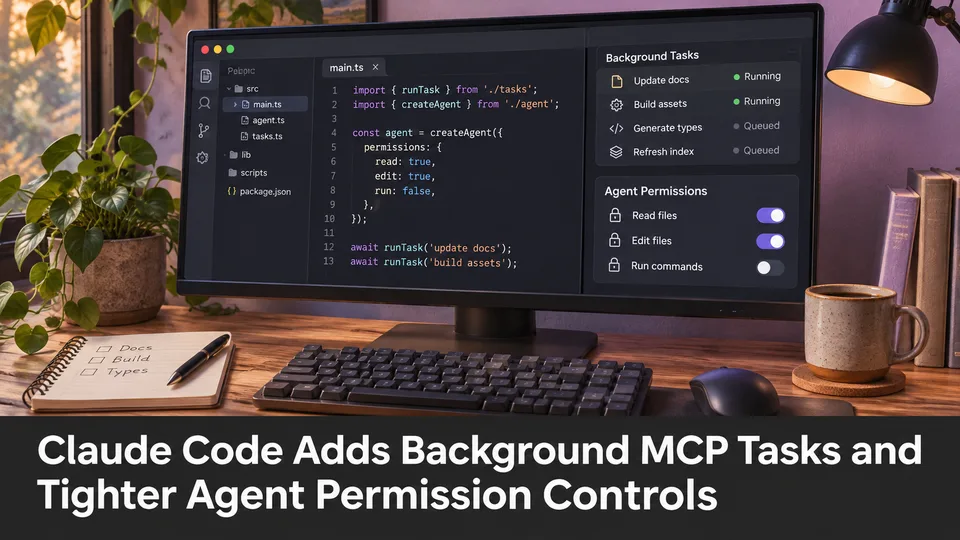
Claude Code Adds Background MCP Tasks and Tighter Agent Permission Controls
Anthropic’s Claude Code 2.1.319 introduced asynchronous MCP tasks and new permission controls. These features may help game developers manage long-running Unreal or Unity tool operations without blocking every agent step.
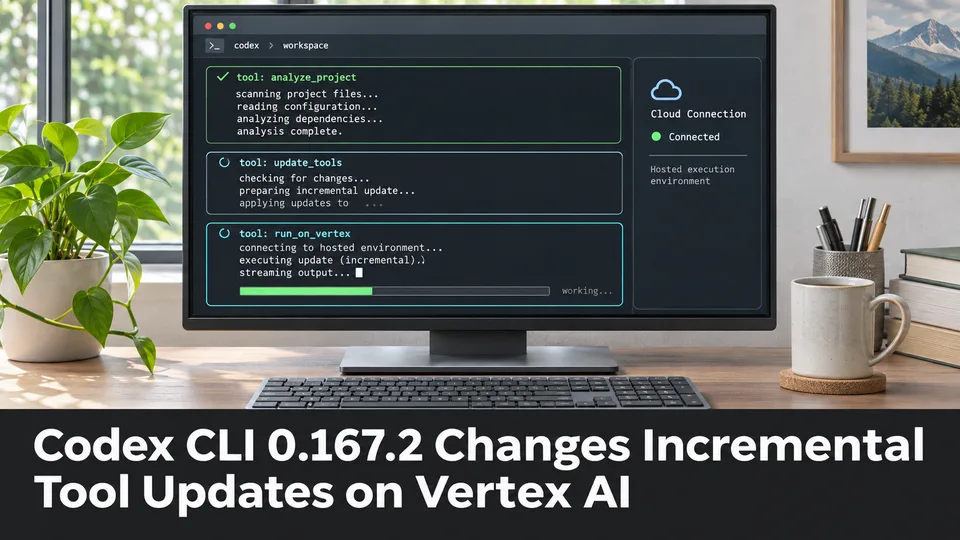
Codex CLI 0.167.2 Changes Incremental Tool Updates on Vertex AI
OpenAI released Codex CLI 0.167.2 with incremental tool updates enabled by default for Google Cloud Vertex AI. The change is relevant to teams using that backend, but it is not a general Unreal or Unity agent feature.

ElevenLabs Previews Interaction Engine for More Natural Voice Agent Timing
At its New York summit, ElevenLabs previewed an Interaction Engine that manages turn-taking, interruptions and model selection in conversations. Real-time game NPC use remains a proposed application, not a shipped game integration.
Comments