
ComfyUI Fixes Remesh Mesh Handling for Imported 3D Models
A merged ComfyUI change addresses clipping and invalid results when imported models do not fit the remeshing node’s expected coordinates. The fix is relevant to preparing AI-generated props for further work in Blender, Unreal Engine or Unity.
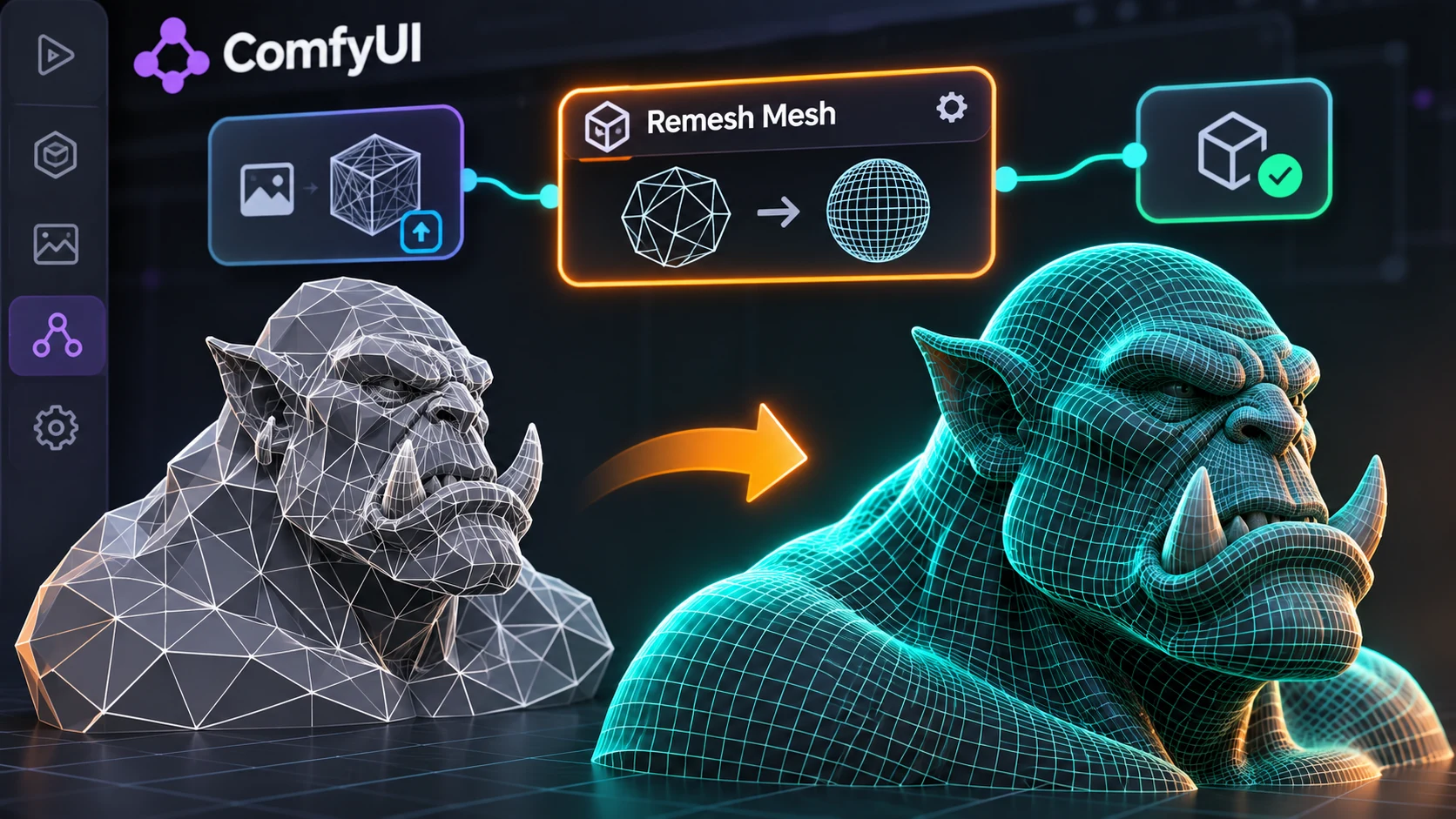
The ComfyUI project merged a fix on November 5, 2026, for the Remesh Mesh node when processing imported 3D models. The underlying issue was an assumption about mesh coordinates. Some model-generation workflows use normalized bounds, while an imported OBJ or other mesh may retain a different scale or position. A node designed around one expected coordinate range can therefore clip geometry or produce an empty-looking result when fed a different asset.
The merged change updates the fitting path so a suitable mesh can be transformed into the node's expected working range and then returned to its original scale and placement. The implementation also includes safeguards against problematic numerical input. The pull request documents regression work, but a merged code change should not be presented as an independent evaluation of every input format or every possible topology.
This is an infrastructure fix for an asset-processing workflow, not a new 3D generation model. The distinction matters because AI-created geometry often requires conventional cleanup before it becomes practical game content. The shape may need remeshing, UV work, material assignment, collision proxies, and controlled polygon counts. An output that looks acceptable in a preview can still be unsuitable for animation or real-time rendering.
For Unreal Engine and Unity developers, more predictable remeshing is valuable when assets arrive from several sources. A pipeline might begin with an image-to-3D service, continue through ComfyUI for mesh handling, then move into Blender for topology review and finally into the game engine. If scale changes silently during that process, an object may appear too large, too small, or outside the expected collision space when imported into a level.
A useful controlled test would take three simple meshes: one centered near the origin, one with a large world-space offset, and one at a very small physical scale. Run each through the updated Remesh Mesh node, export it, and compare its dimensions, orientation, and vertex count with the source. Then import both versions into a clean game-engine scene. This is a proposed regression test, not an assertion that such a test has been conducted for this article.
The change is confirmed in ComfyUI's public source repository. Availability in a packaged stable build depends on the release used by the developer; a merge into the main branch should not be confused with a verified rollout to every desktop installation.
Rate this story
What did you think of this article?
Log in to rate this story, comment and like replies.
Log inNo comments yet. Be the first to share your thoughts.
More stories
Claude Code Adds Background MCP Tasks and Tighter Agent Permission Controls
Anthropic’s Claude Code 2.1.319 introduced asynchronous MCP tasks and new permission controls. These features may help game developers manage long-running Unreal or Unity tool operations without blocking every agent step.
Codex CLI 0.167.2 Changes Incremental Tool Updates on Vertex AI
OpenAI released Codex CLI 0.167.2 with incremental tool updates enabled by default for Google Cloud Vertex AI. The change is relevant to teams using that backend, but it is not a general Unreal or Unity agent feature.

ElevenLabs Previews Interaction Engine for More Natural Voice Agent Timing
At its New York summit, ElevenLabs previewed an Interaction Engine that manages turn-taking, interruptions and model selection in conversations. Real-time game NPC use remains a proposed application, not a shipped game integration.
Comments