
ComfyUI Adds GPT Image 2.6 Choices to Its Partner Nodes
A November 6 ComfyUI source-code change adds OpenAI GPT Image 2.6 Flare and Sunburst model choices to partner nodes. This is a repository integration, not a guaranteed stable release.
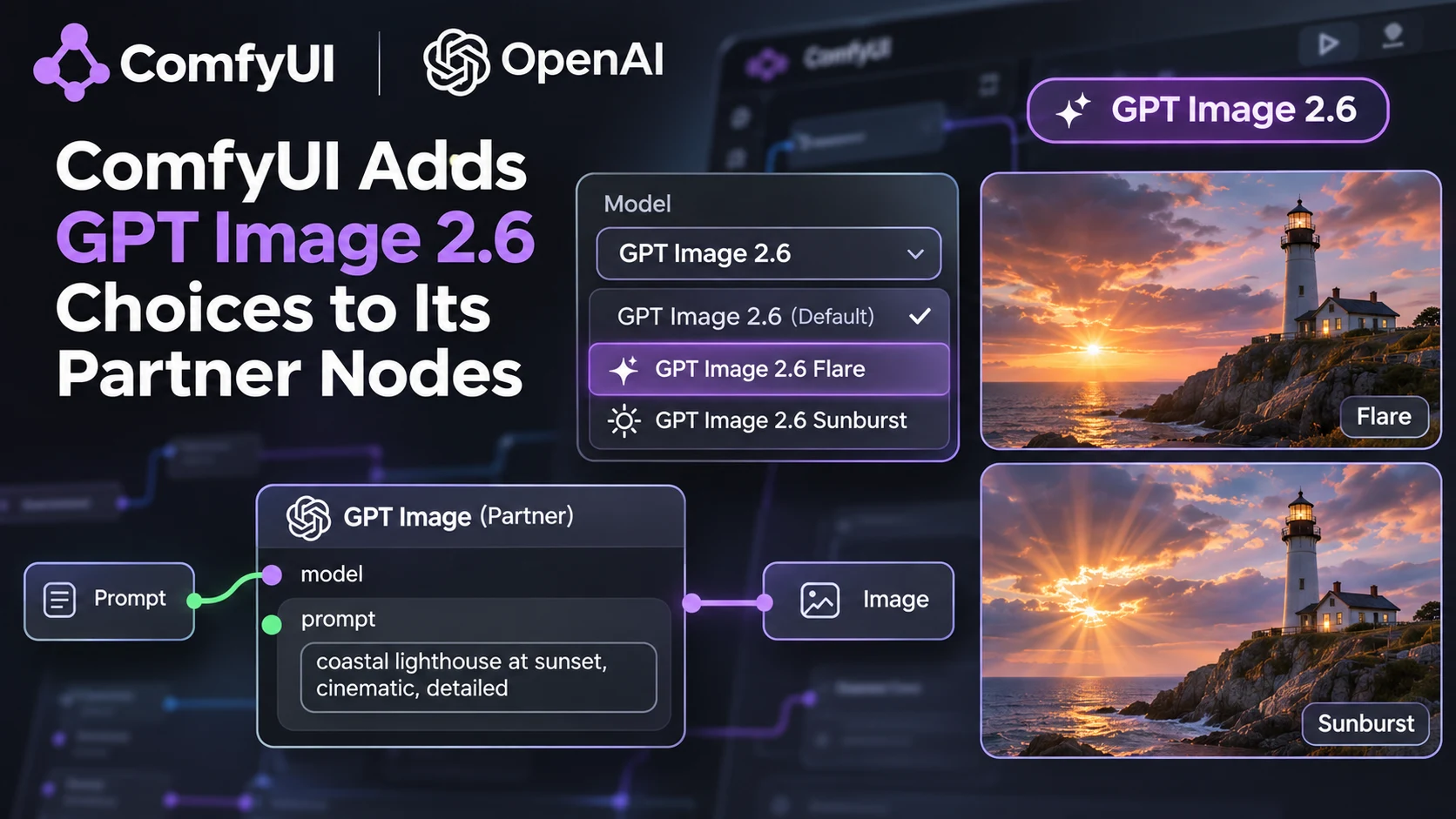
ComfyUI's public repository recorded a November 6 change adding OpenAI GPT Image 2.6 Flare and Sunburst options to its partner-node integration. This follows the separate November 4 launch of OpenAI Images 2.6 itself. The distinction matters: the new development is a workflow integration inside ComfyUI, not the original model announcement repeated as a new release.
Node-based image workflows are useful when a game team wants to compare art directions or refine a set of related assets systematically. A development pipeline might create a small batch of interface icons, use references to preserve a consistent visual theme, review the output and save the most promising candidates for further editing. Adding model choices to a shared interface may reduce the need to switch between unrelated applications, but actual availability depends on the installed ComfyUI build, configured partner access and provider credentials.
OpenAI presents Flare as a speed-oriented image model and Sunburst as a model aimed at more detailed output and consistency during editing. Those descriptions come from the model provider. They do not establish that either option always produces better final game art or meets a particular studio's requirements. A team still needs to compare results at the real sizes used in a project, especially for UI symbols that may become unreadable when reduced.
Partner nodes also introduce a deployment distinction. ComfyUI can run locally, but a partner node calling an external provider does not mean the underlying proprietary model weights are stored and executed on the user's GPU. Access rules, pricing and data processing depend on the provider and integration. The November 6 repository change should not be interpreted as confirmation that every downloadable ComfyUI stable package already includes the update.
A controlled experiment would use the same three prompts for a health icon, a repair symbol and a vehicle-selection button. Compare the two image options for visual consistency, editability and cost, and verify transparency before importing any asset. If the project needs SVG or another vector format, check that the particular integration actually exposes it; the existence of a model-side API capability does not prove support in every node. Finally, treat generated icons as reviewed design inputs rather than as immediately approved production assets. The important news is integration into a repeatable content workflow, with final quality still determined by testing and art direction.
Rate this story
What did you think of this article?
Log in to rate this story, comment and like replies.
Log inNo comments yet. Be the first to share your thoughts.
More stories
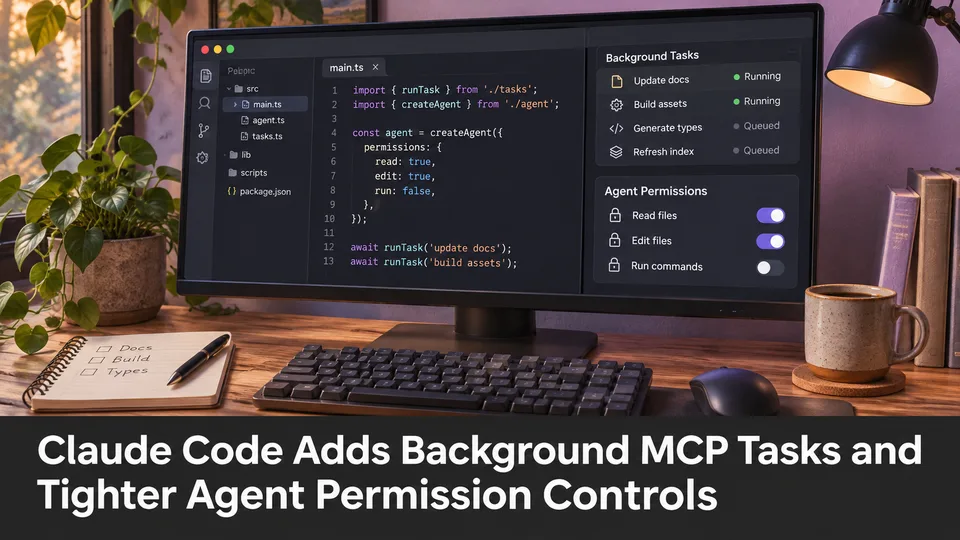
Claude Code Adds Background MCP Tasks and Tighter Agent Permission Controls
Anthropic’s Claude Code 2.1.319 introduced asynchronous MCP tasks and new permission controls. These features may help game developers manage long-running Unreal or Unity tool operations without blocking every agent step.
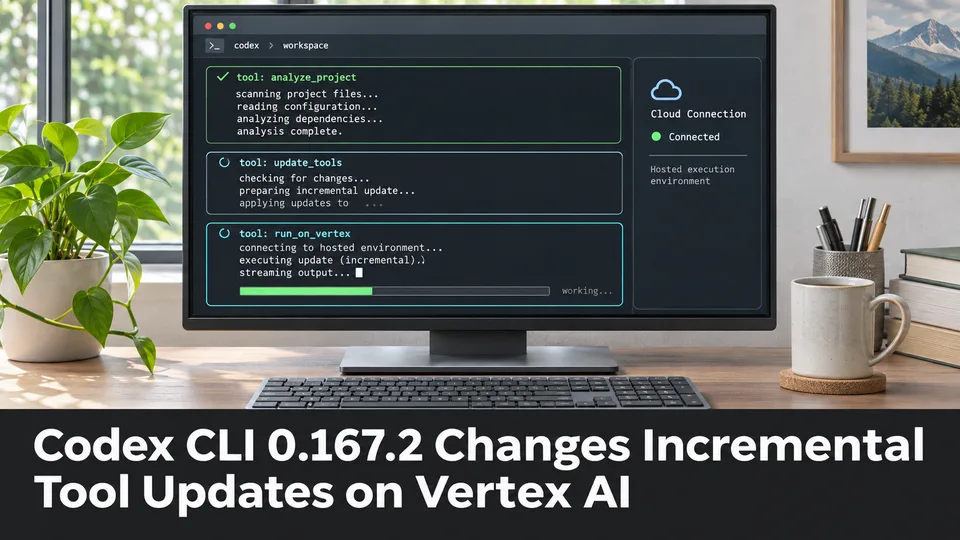
Codex CLI 0.167.2 Changes Incremental Tool Updates on Vertex AI
OpenAI released Codex CLI 0.167.2 with incremental tool updates enabled by default for Google Cloud Vertex AI. The change is relevant to teams using that backend, but it is not a general Unreal or Unity agent feature.
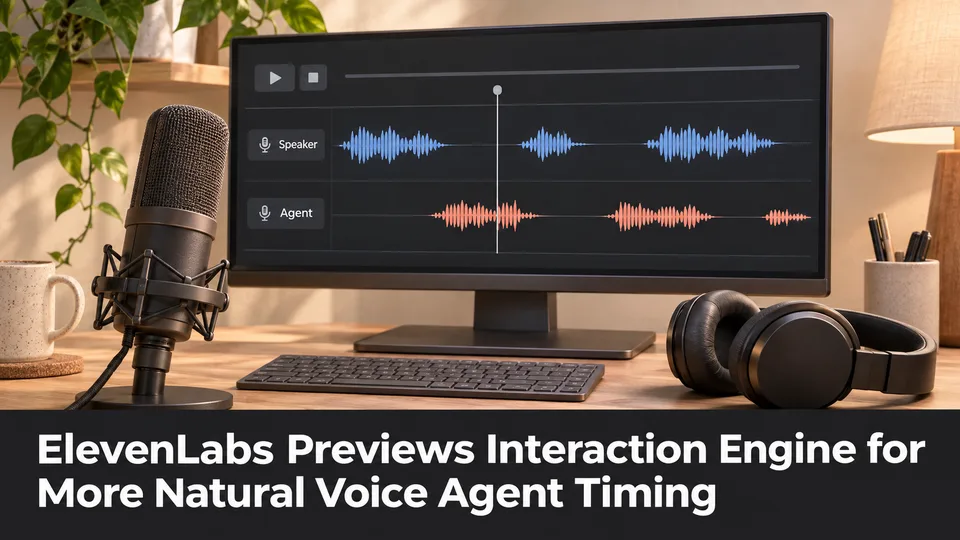
ElevenLabs Previews Interaction Engine for More Natural Voice Agent Timing
At its New York summit, ElevenLabs previewed an Interaction Engine that manages turn-taking, interruptions and model selection in conversations. Real-time game NPC use remains a proposed application, not a shipped game integration.
Comments