
Batch Toolset Advertises a Limited Free Offer for Nine Unreal Editor Utilities
A developer posted an October 30 limited-time free offer for Batch Toolset, a third-party Unreal Editor plugin bundling collision, Nanite, material, placement and optimization utilities. The offer is not confirmed as permanent.
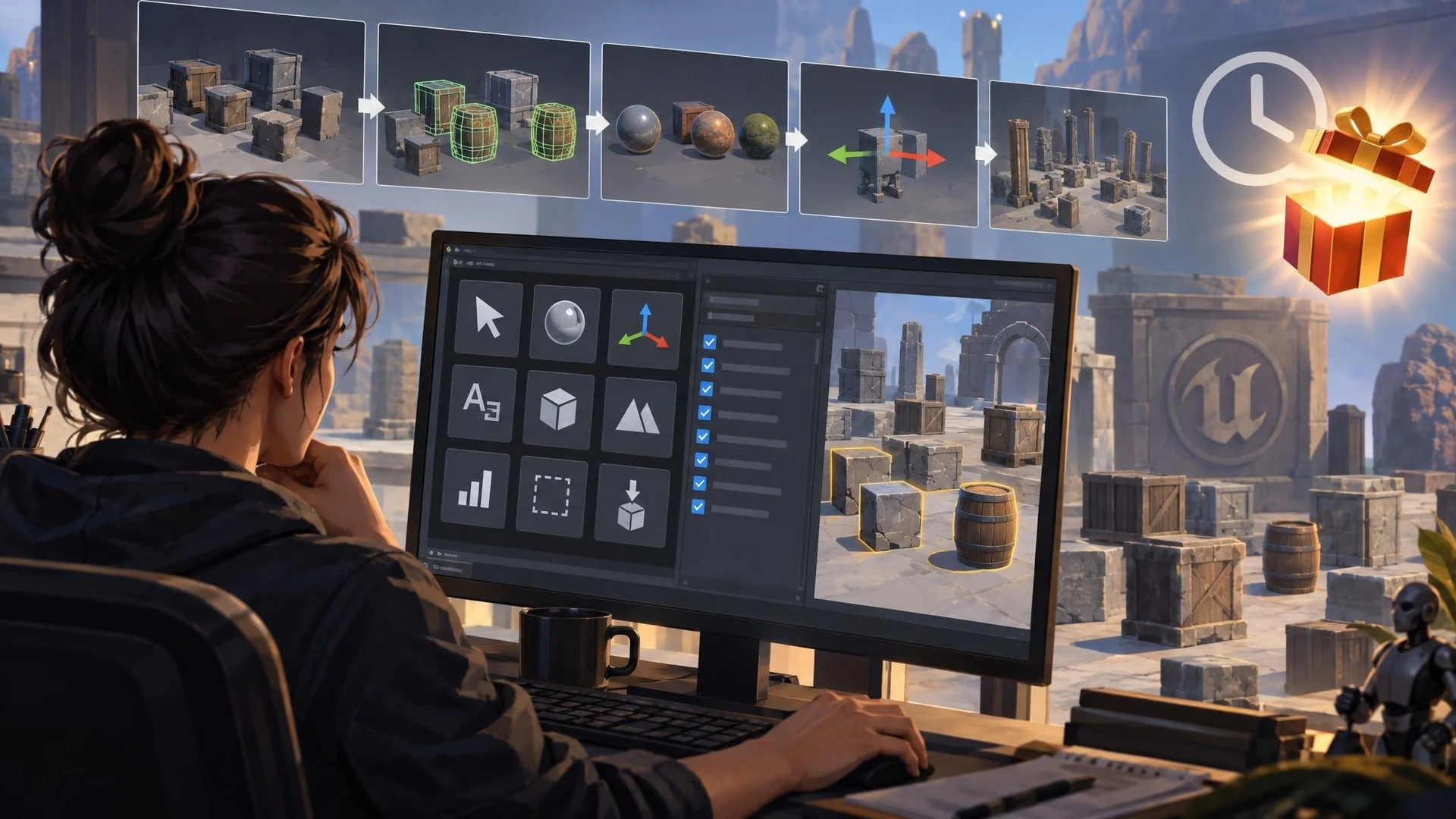
Large Unreal Engine levels often accumulate small repetitive tasks. A hundred imported props may need naming changes, several meshes may need collision settings, and a group of actors may need new materials or pivot adjustments. Batch Toolset is a third-party plugin intended to gather several such operations inside one editor panel.
The tool was originally presented on the Epic Developer Community forums in October, but a meaningful new update appeared on October 30, 2026: its author announced a limited-time free offer. That announcement is the current event, not a newly introduced Unreal Engine feature or a claim that the product will remain free indefinitely.
The developer lists nine grouped workflows. They include actor selection, materials, pivot and transform controls, renaming, collision editing, LOD and Nanite settings, optimization checks, outlines, and physics-assisted placement. The point is to apply similar edits to many supported actors or assets while reducing repeated manual steps.
Some functions have specific technical constraints. The physics placement brush requires source meshes with simple collision. The outline system can export selected profile settings for use in a packaged Windows game, but the author explicitly excludes network replication and runtime inverted-hull outlines. Most of the other utilities operate in the editor and should not be described as new features available automatically to players.
The author advertises support for Unreal Engine 5.0 through 5.8 on the Win64 editor. That broad range makes the plugin potentially useful for teams maintaining older projects, but individual tools may still behave differently depending on asset types, editor settings, and project configuration. The plugin is written in C++ and uses Unreal's built-in Niagara component.
A sensible evaluation would start with a small copied level containing several meshes with deliberately inconsistent materials, names, and collision settings. Preview a batch operation, apply it to a limited set, inspect the results, and test the promised undo behavior before saving. Next, measure how long an equivalent manual task takes.
The optimization tool should be viewed as a source of candidate issues rather than an automatic guarantee of higher frame rates. Every recommended change needs review, especially where Nanite, LOD selection, and collision affect gameplay or visual quality. The only convincing performance evidence is a controlled comparison in the target project.
Creators interested in the temporary offer should verify the current Fab listing and license at the time of access. A forum comment saying that an asset is free for a limited period cannot establish its price on any later date.
Rate this story
What did you think of this article?
Log in to rate this story, comment and like replies.
Log inNo comments yet. Be the first to share your thoughts.
More stories

Epic Games Launcher 0.109.0 Labels Development Builds in the Library
Epic Games Launcher 0.109.0, dated November 2, adds visible Dev and Stage sandbox labels to library builds alongside account switching and a collapsible social panel. The change is about launcher workflows, not Unreal Engine rendering.

Community Unreal DMX Extension Adds Pattern Tools and AI-Assisted Lighting
An Unreal community developer described a DMX Sequencer extension on November 2 that adds reusable fixture patterns, audio-reactive animation and experimental Gemini-assisted keyframe generation. Public distribution and compatibility still need confirmation.
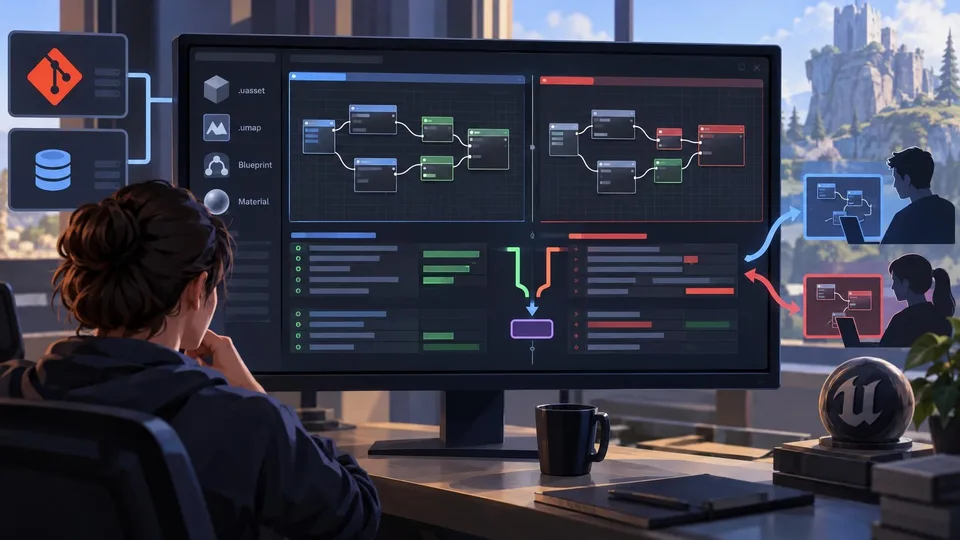
TheCodeDiff Brings Blueprint and Material Merging to Git and Perforce
A developer introduced TheCodeDiff on November 2, offering visual diffs and conflict resolution for Unreal Blueprint and Material assets without opening the editor. Advanced Unreal functions belong to a paid Pro tier.
Comments